
Seven Sorani layouts
Standard, Windows, Computer, Classic, iPhone, Latin to Kurdish and Smart Latin to Kurdish. Keep the arrangement your fingers already know; the iPhone layout puts the shift letters where Apple does.
Kurdish keyboardiPhone and AndroidFree
Seven Sorani layouts, Kurmanji and Rojhelat, Kurdish typed with Latin letters, swipe typing, word prediction and an AI writing assistant, in one keyboard.
Downloaded more than a million times.
01Typing Kurdish
KurdKey is a keyboard app for iPhone and Android built around Kurdish. It writes Sorani in the Kurdish Arabic script, Kurmanji in Latin letters and Rojhelat Sorani with its own word list, and switches to English, Arabic or Persian with a swipe on the space bar.
Standard, Windows, Computer, Classic, iPhone, Latin to Kurdish and Smart Latin to Kurdish. Keep the arrangement your fingers already know; the iPhone layout puts the shift letters where Apple does.
Type the way you write in chat. When you press space the word is written in Kurdish, and the other spellings wait in the suggestion bar.
slawسڵاوchoniچۆنی7azحەز
The Kurmancî → بادینی layout takes Kurmanji typed in Latin letters and writes it in the Arabic script used in Badinan.
xwendinخواندن
Suggestions read the whole sentence, not only the last word, and finish the word you are typing. The keyboard learns the words and word pairs you use.
ر or ڕ, ل or ڵ, ی or ێ, و or ۆ. The keyboard knows which one a word needs and offers the right spelling.
سلاوسڵاو
A moment after each word, a Sorani grammar model on your phone reads the sentence and offers a fix in the word bar. Nothing is sent anywhere.
دەمەوێدەمەوێت
After an Arabic, English or Persian word, the keyboard can suggest the Kurdish word for it. Turn it off in Settings if you don't want it.
A few letters and space write a whole phrase; delete right after brings the shortcut back. Add your own, in any language.
دخدەستت خۆش بێت
Kurdish digits or Latin digits, and a number row on top if you type numbers often.
١٢٣123
02Gestures
Each demo below plays the gesture on the KurdKey layout. They are the same demos you find in the app under Keyboard tips.
Most keys carry a second letter in their corner. Swipe up on the key to type it, like ڵ on ل and ڕ on ر.
Touch and hold a letter to see its extra letters, then slide to the one you want and lift your finger.
Swipe left on the delete key to delete a whole word. Hold it to keep deleting; after a few letters it deletes word by word.
Swipe right or left on the space bar to switch the keyboard language. Touch and hold it for the list of all your languages.
Slide your finger left and right on the space bar to move the cursor through your text, without touching the text.
Turn on Space Bar Cursor Control in Settings. While it is on, swiping on space no longer switches the language.
Slide from letter to letter without lifting your finger, and the keyboard finds the word. Still in beta.
Turn on Gesture Typing in Settings.
Type a shortcut such as دخ and press space: it becomes the whole phrase. Press delete right after to get the shortcut back.
03AI assistant
Tap the AI button (✦) at the end of the toolbar and the assistant opens in place of the keys. It works on the text you typed, in Kurdish, Arabic, English and many other languages.
Fixes spelling, grammar and punctuation. Every fix is shown in place, so you see what changes before you accept it.
Rewrites the message in the tone you pick: neutral, friendly, formal, funny, casual, confident, empathetic, excited, inspirational or sarcastic.
Says the same thing another way: standard, fluent, formal, academic, creative, simple, sound human, shorter or longer.
Translates into 117 languages, eight Kurdish varieties among them, and replaces your text with the translation when you tap it.
Touch and hold the comma key and speak Kurdish; KurdKey writes what you said. On iPhone it opens the KurdKey app to listen, and the keyboard types the text when you go back.
Copy a message you received and Smart Reply writes answers to it: accept, decline, thank, apologize, ask, funny, formal or short. If a reply needs a name or an address, it asks you first.
The AI tools need an internet connection and a free account. Free accounts get a monthly allowance, with extra uses for watching a short ad. Premium has no limit.
04Look and feel
Change how the keyboard looks, how big it is and where the keys sit. Try the two styles and themes on the right.
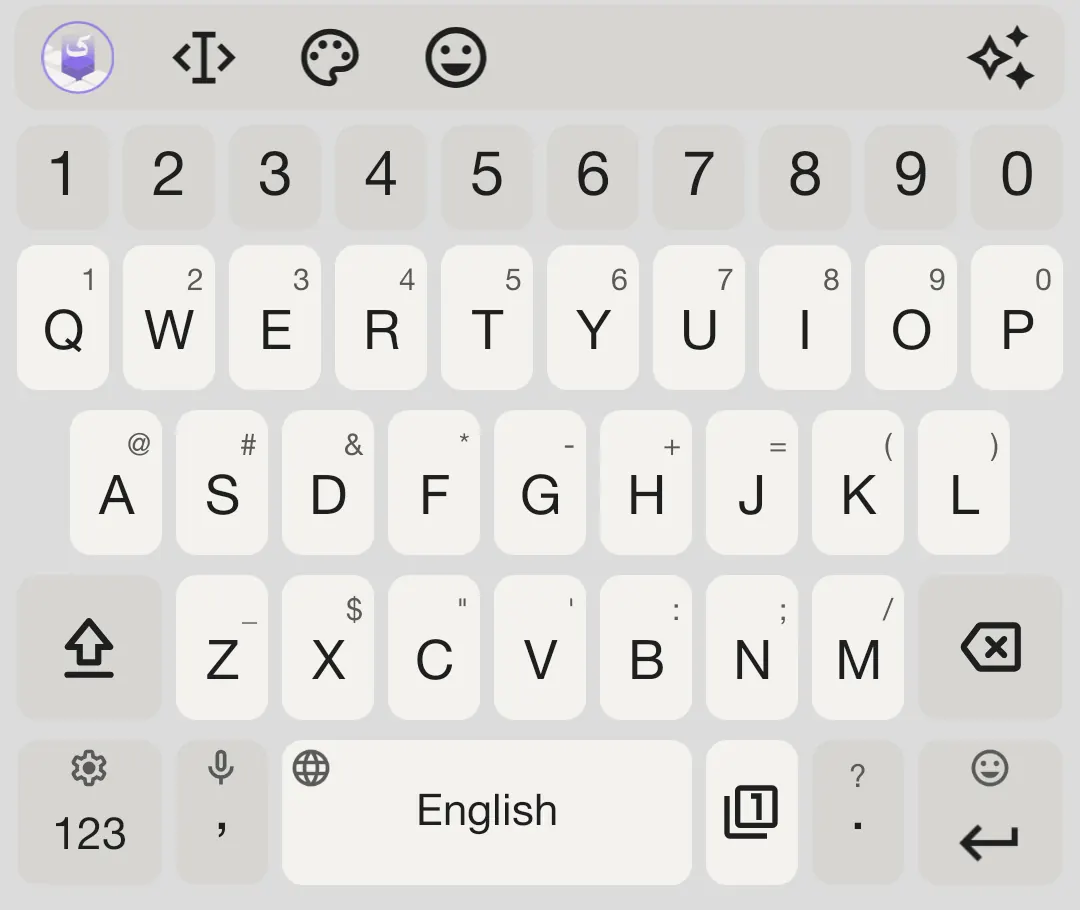
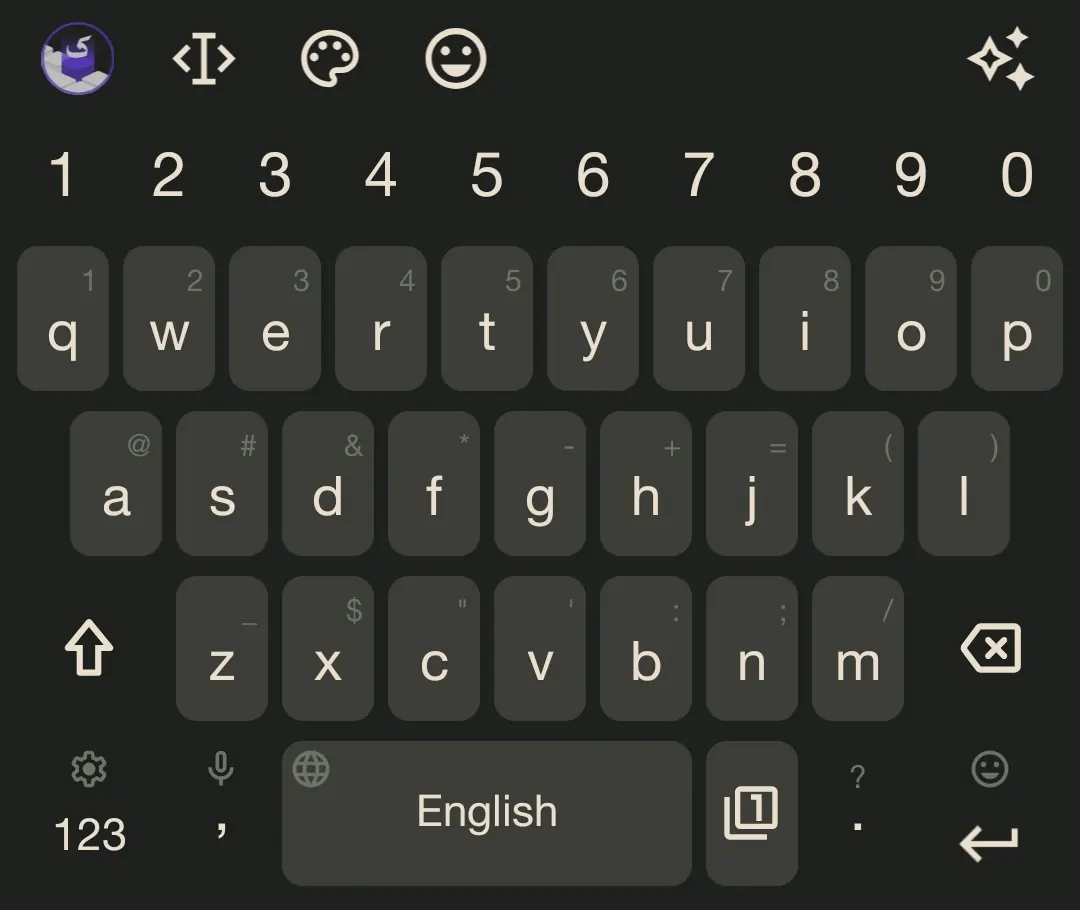
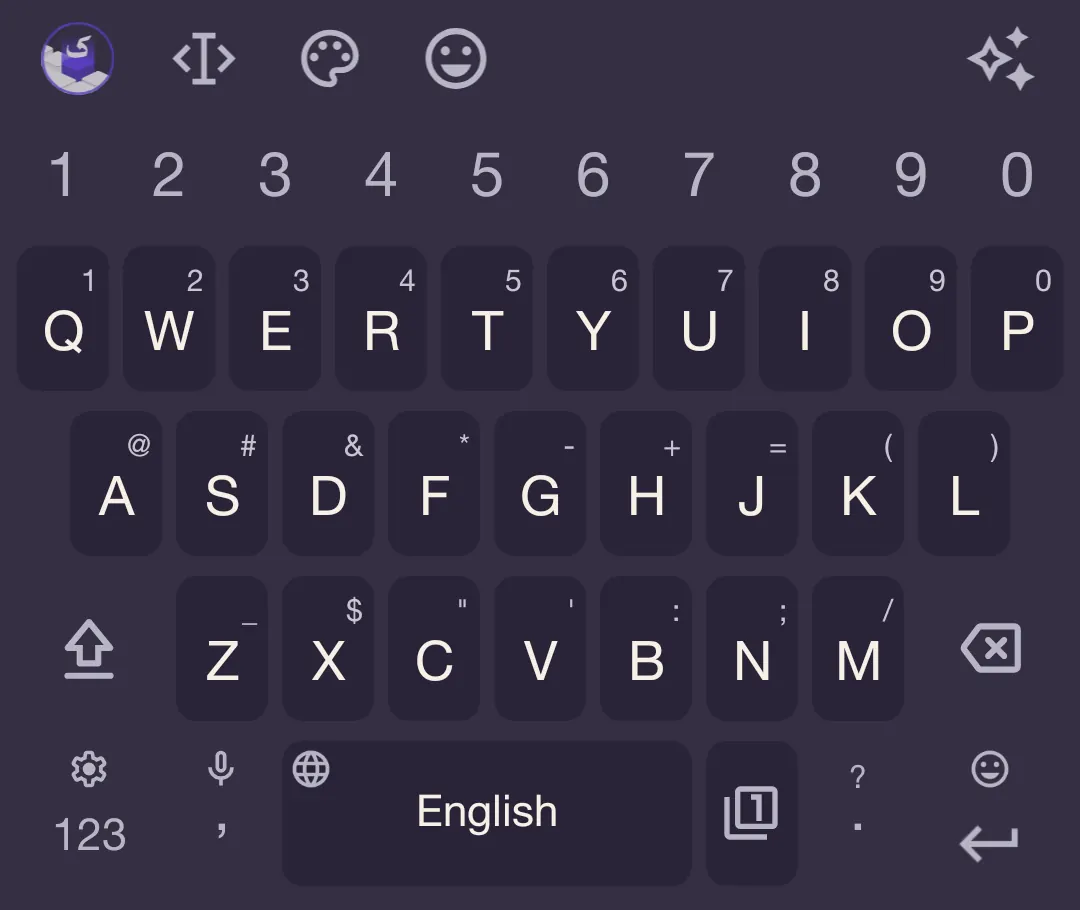
Light and dark themes, a few with moving effects. Set it to Automatic and the keyboard follows your phone's dark mode.
KurdKey style has taller keys with the second letter on each key. On iPhone you can choose iOS style instead: as tall as Apple's keyboard, without second letters.
Make the keyboard Standard, Medium or Large, and drag any key to the place you want it.
Keeps what you copy, lets you pin what you need again, and offers your latest copy in the word bar for a quick paste.
Emoji with your recent ones first, and sticker packs you download once and send from the keyboard.
Write Latin text in decorative letter styles for profiles and captions.
Ready lists of religious phrases in Arabic and Kurdish, with the ones you used last at the top.
Sign in to back up your words, shortcuts, settings and themes, and bring them back on a new phone.
Key sounds and vibration, each with its own volume or length.
05Themes
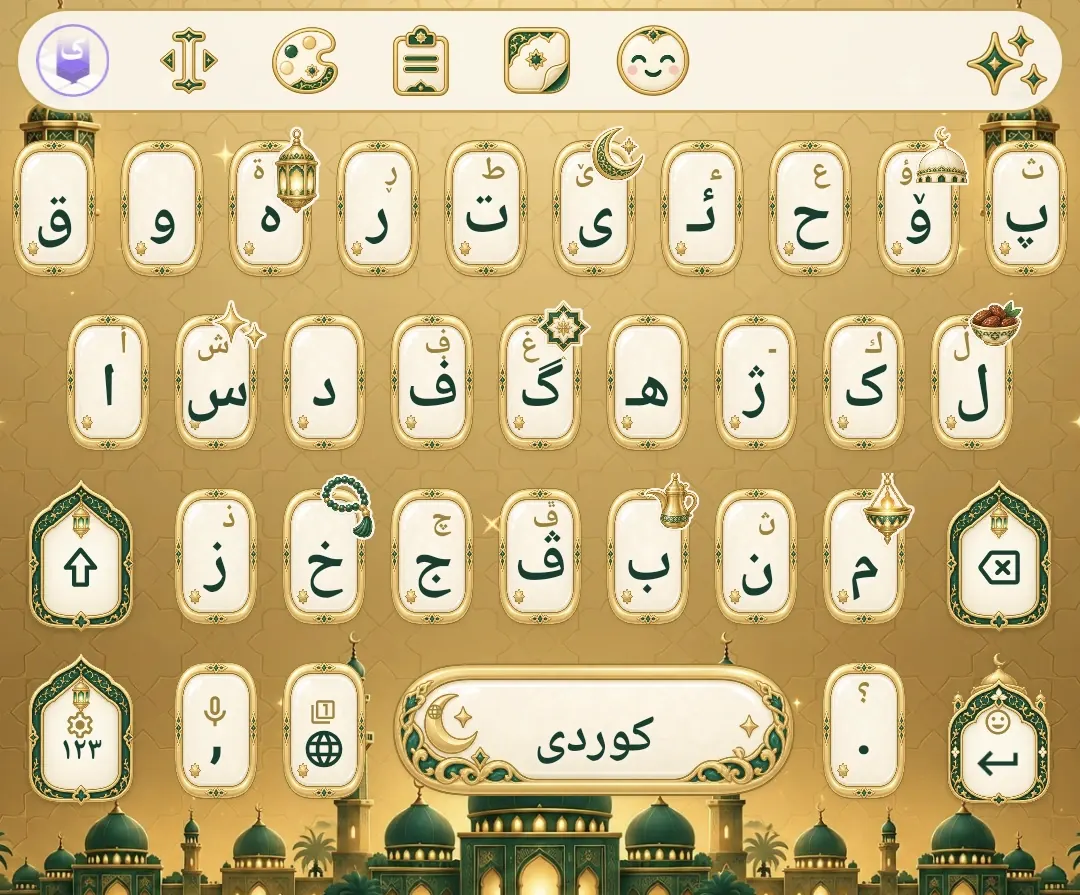
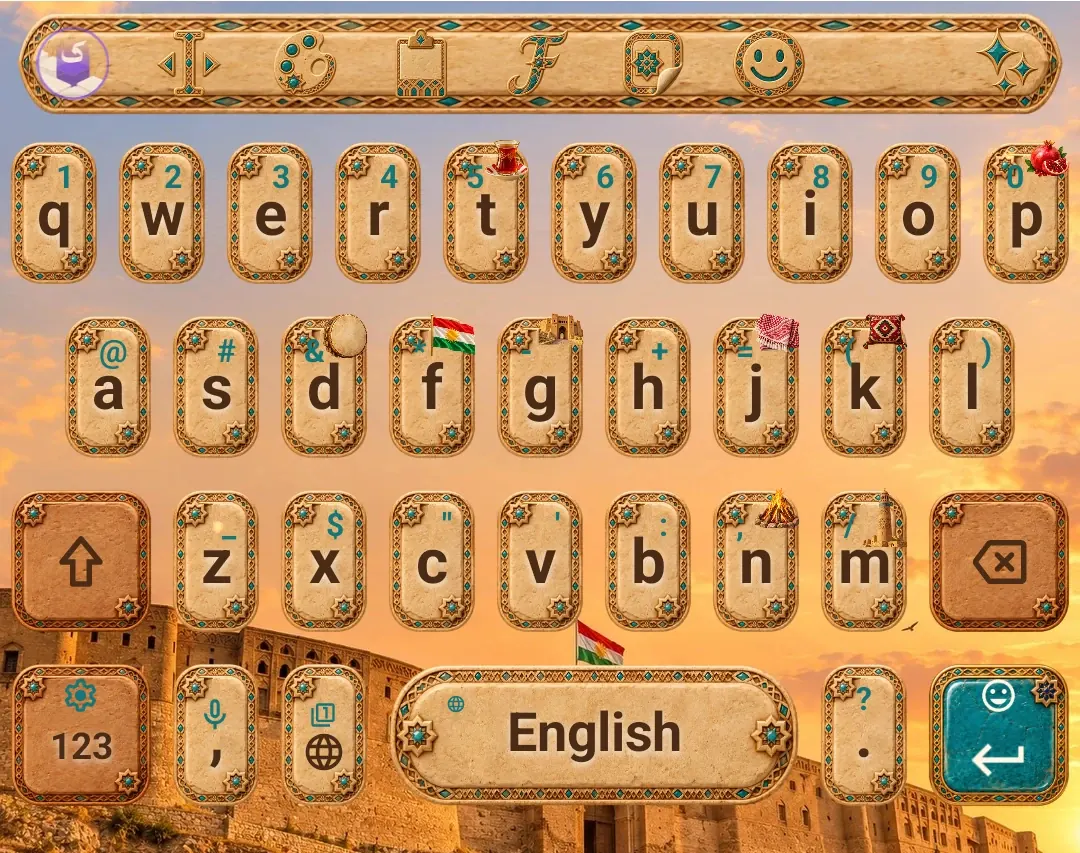
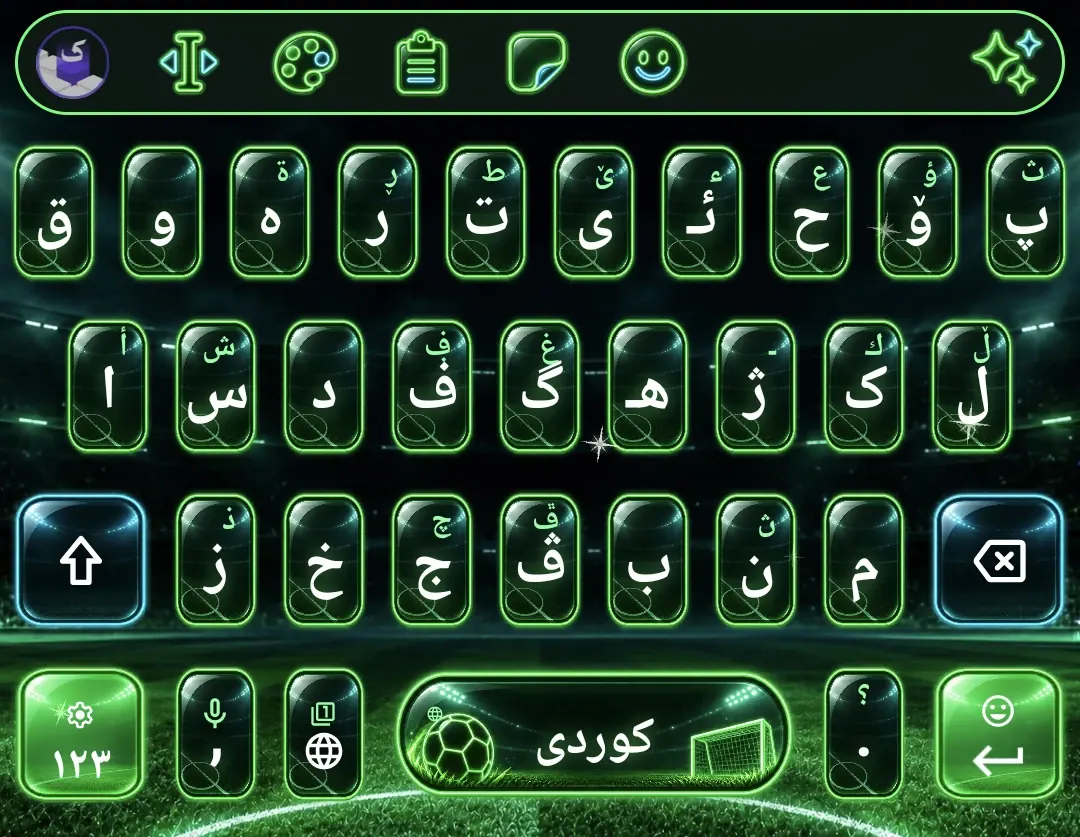
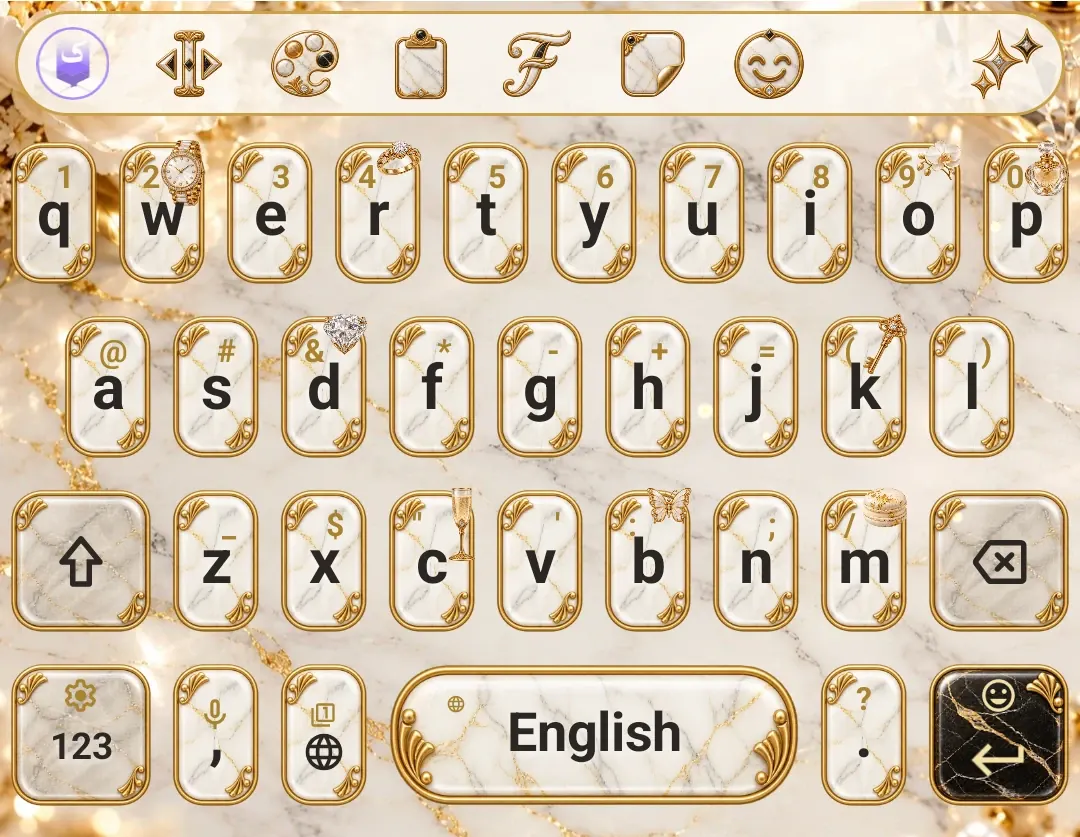
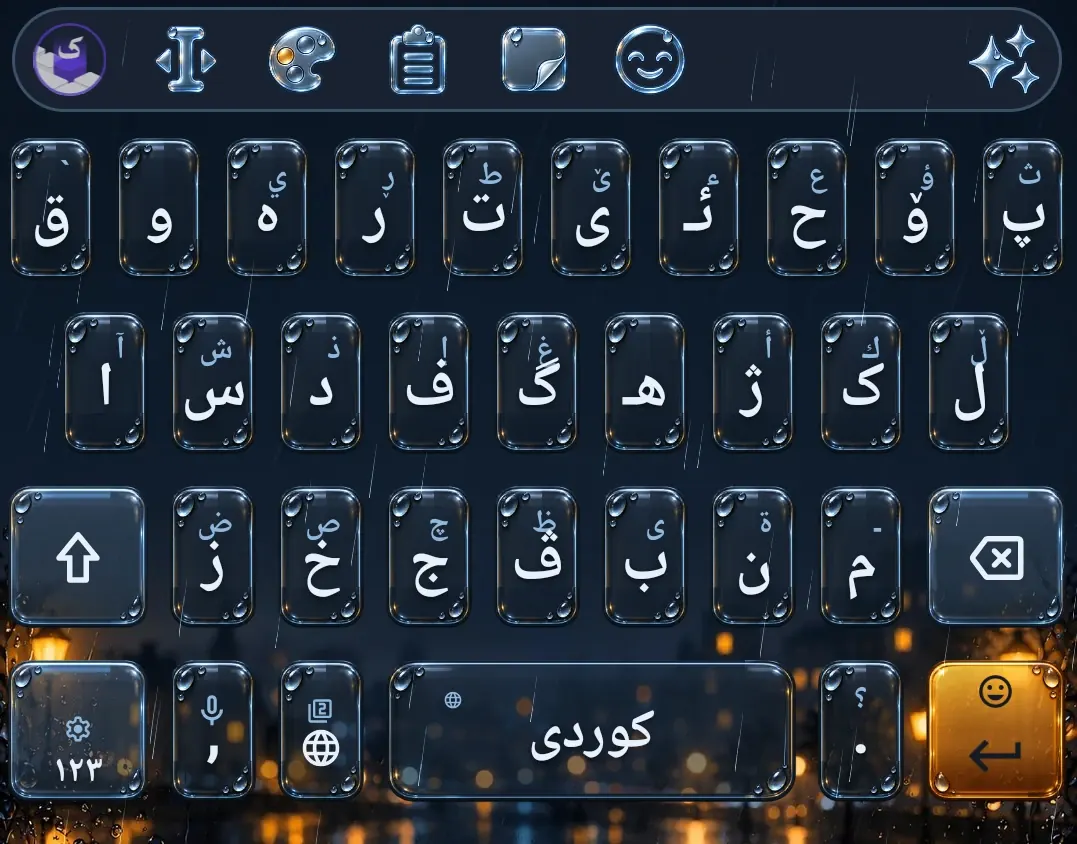
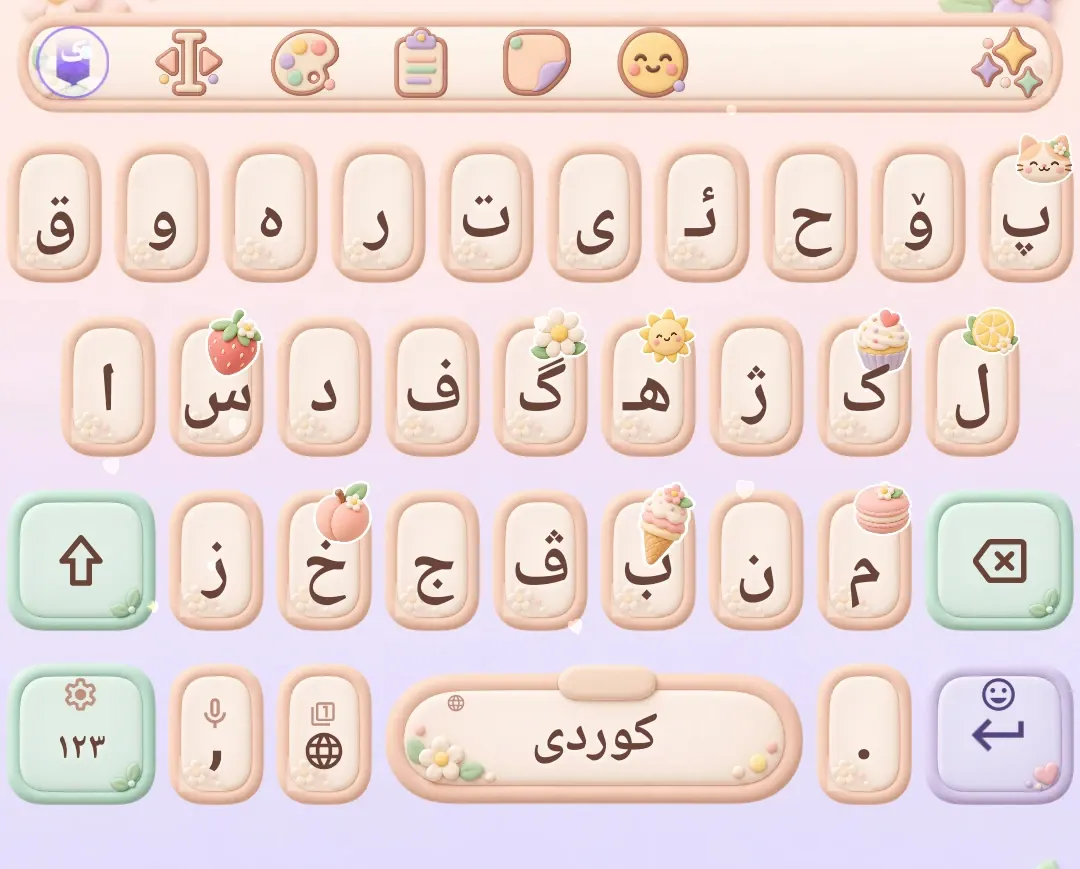
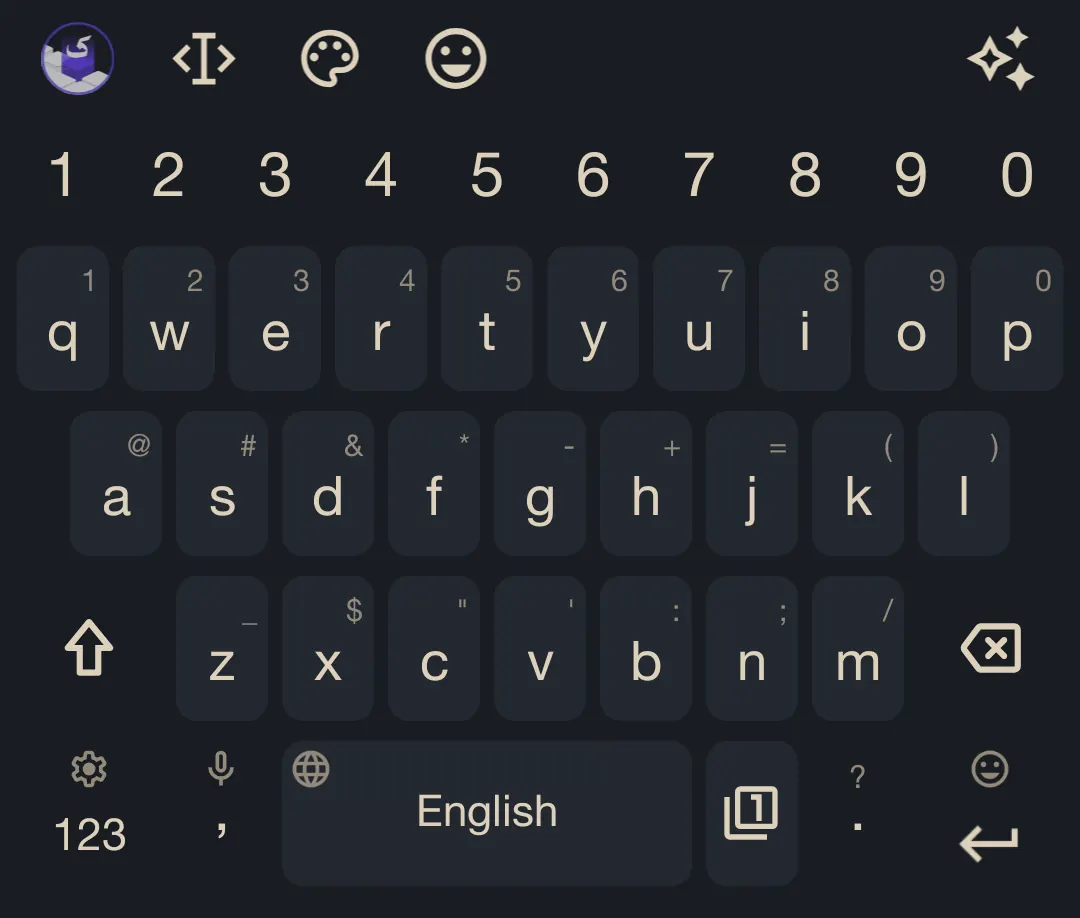
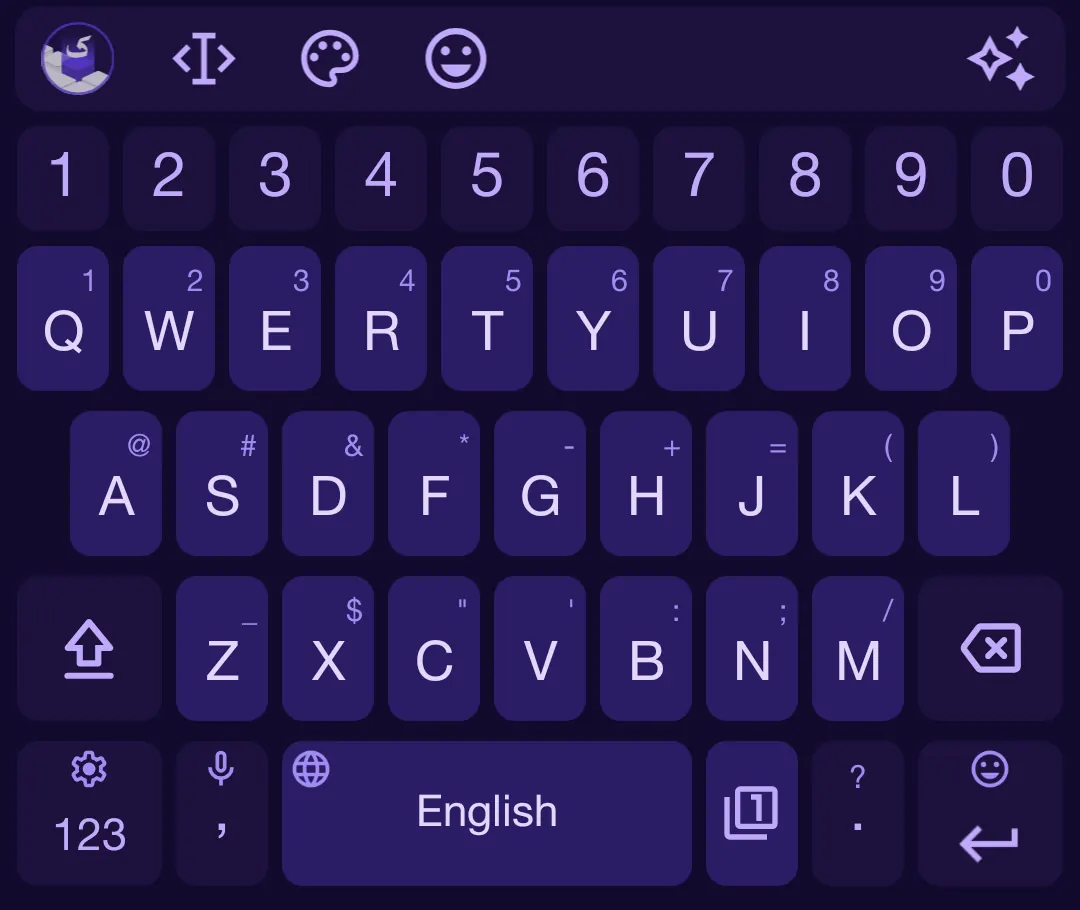
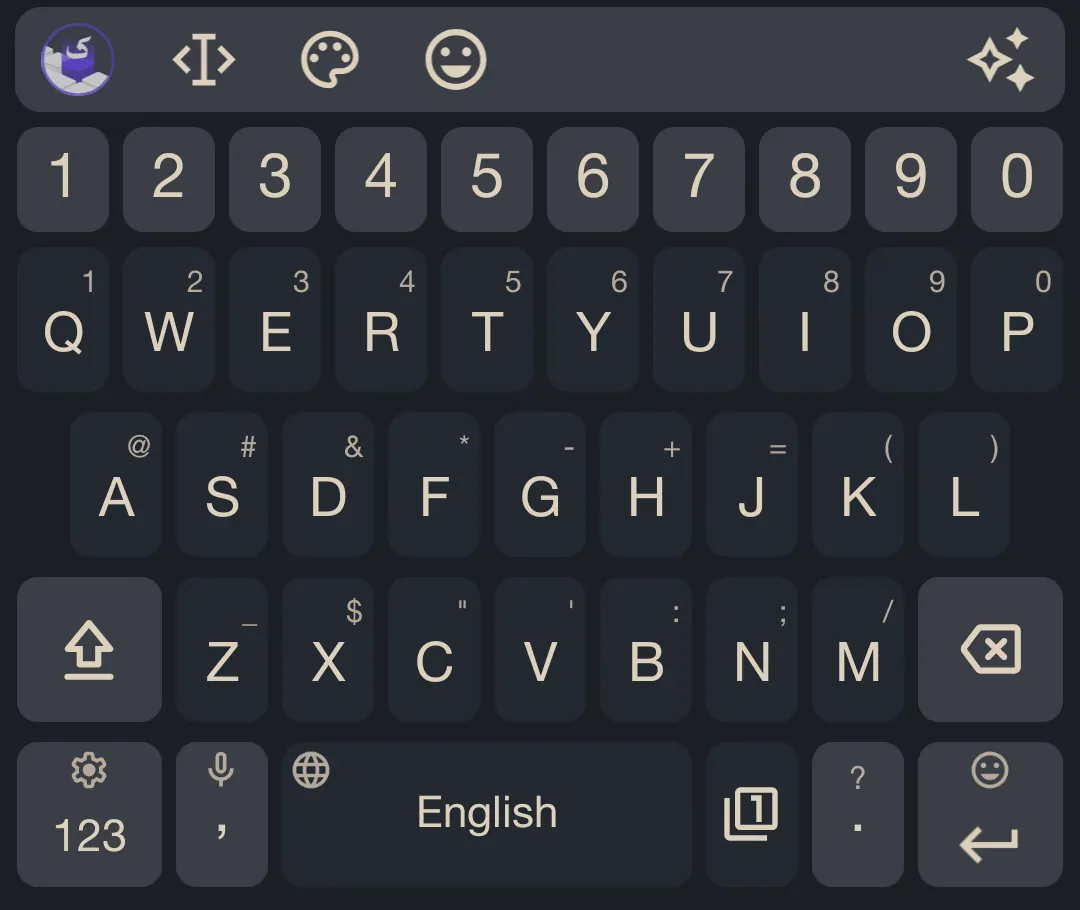
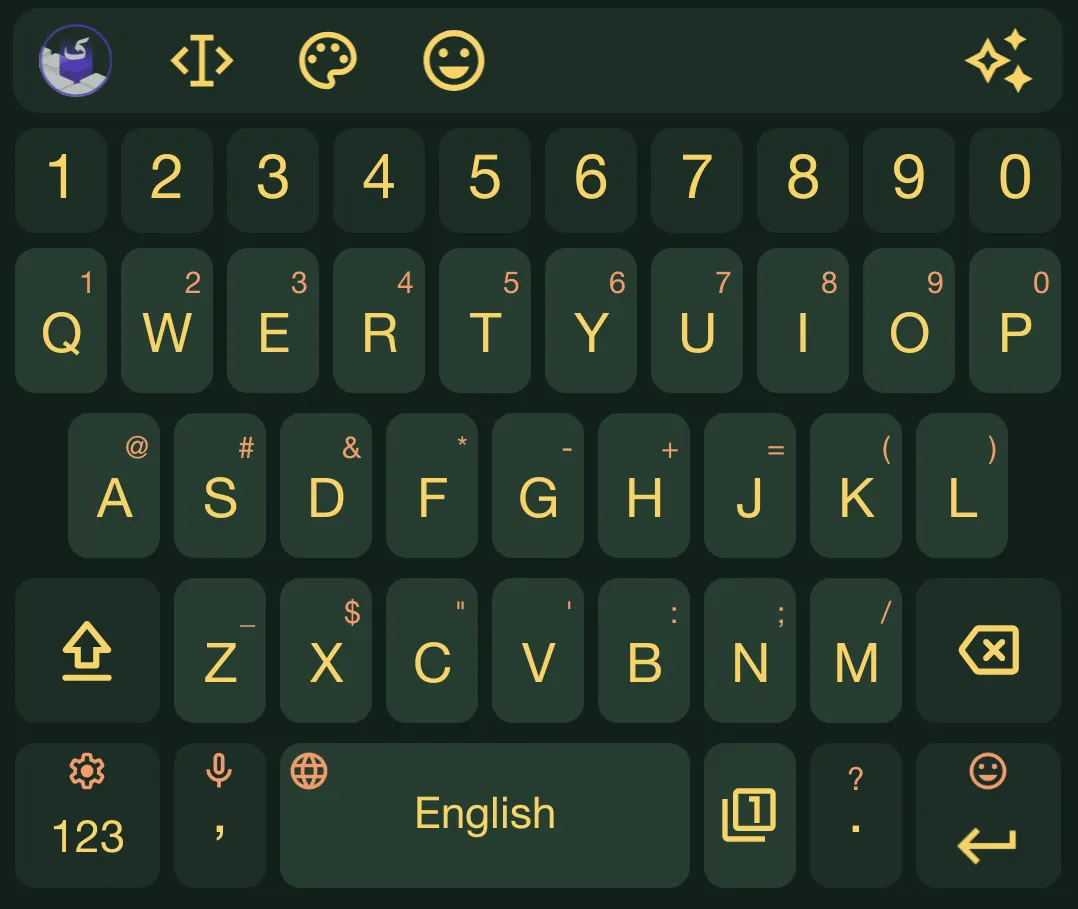
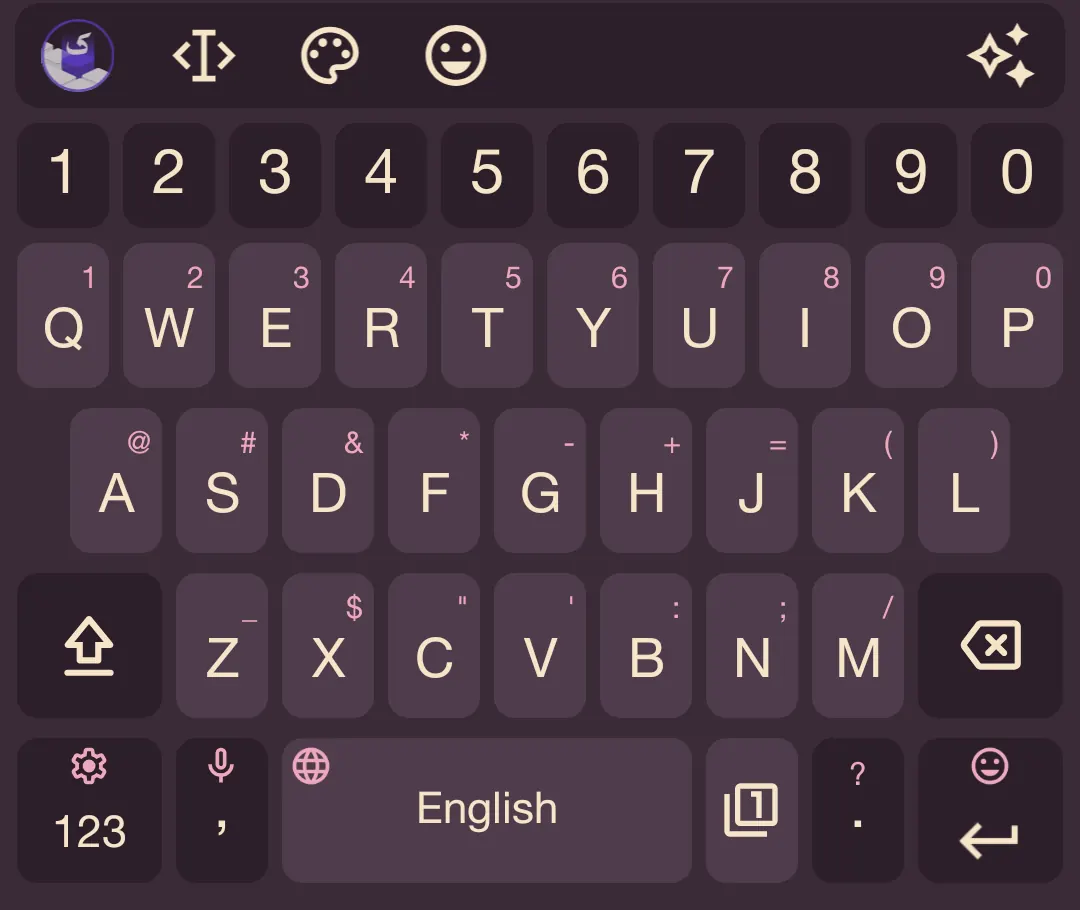
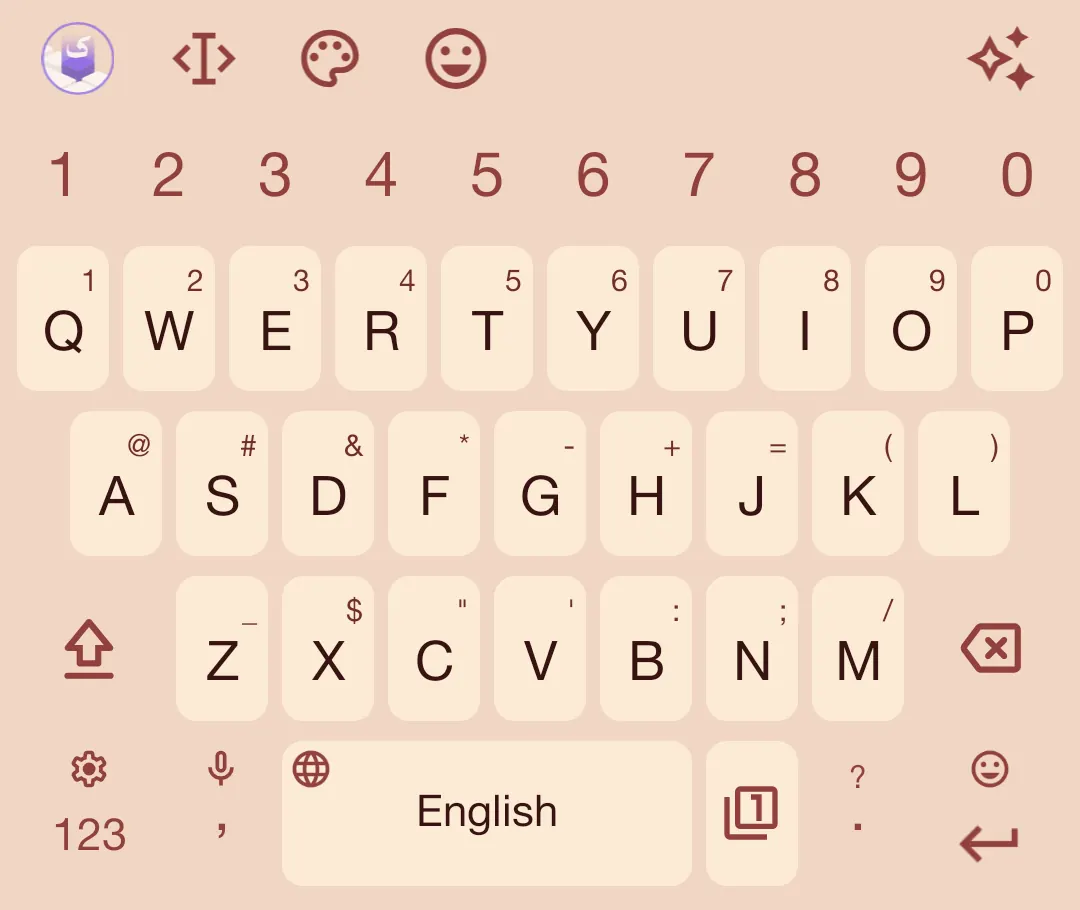
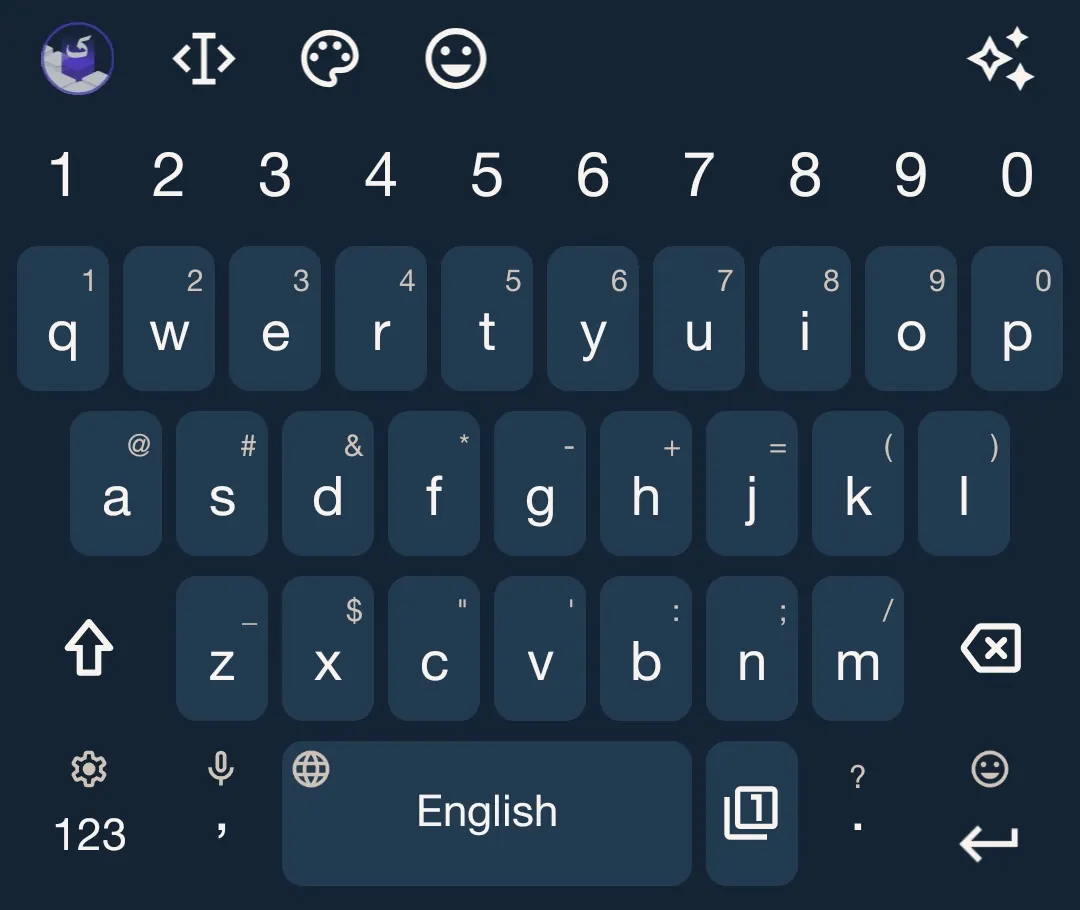
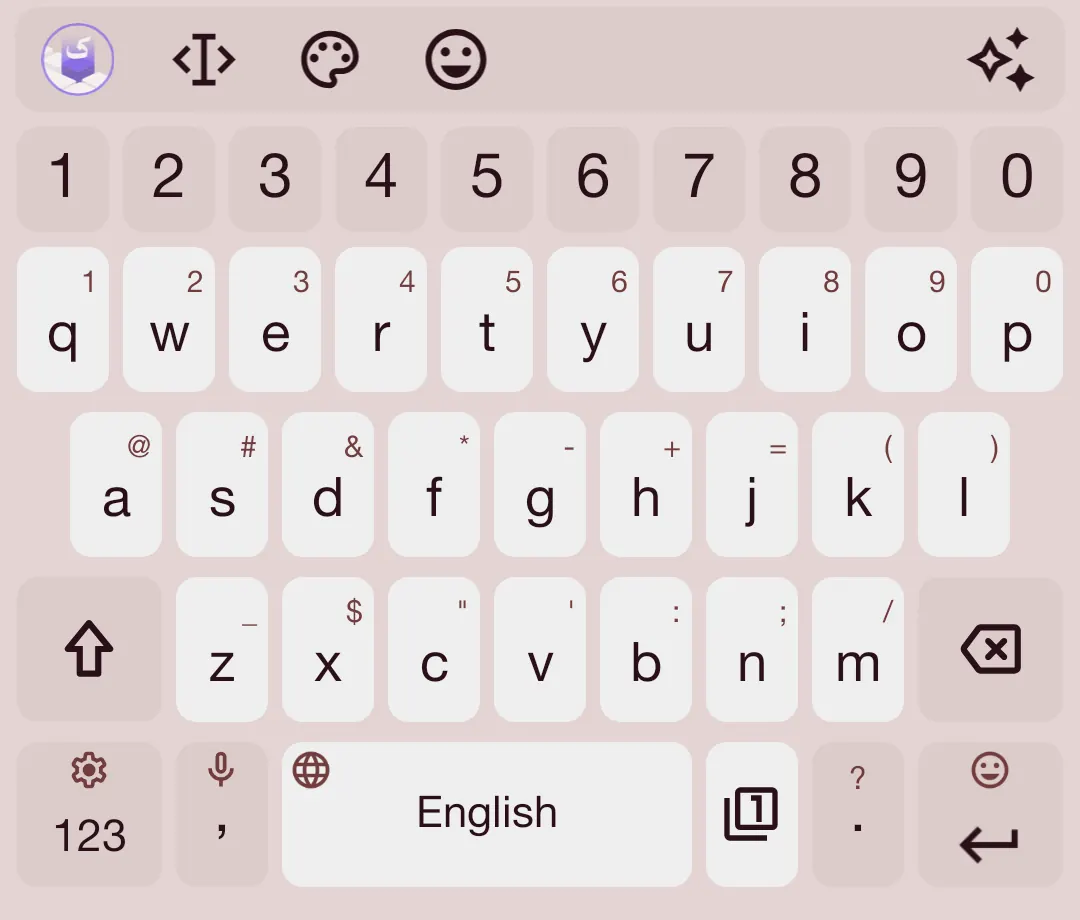
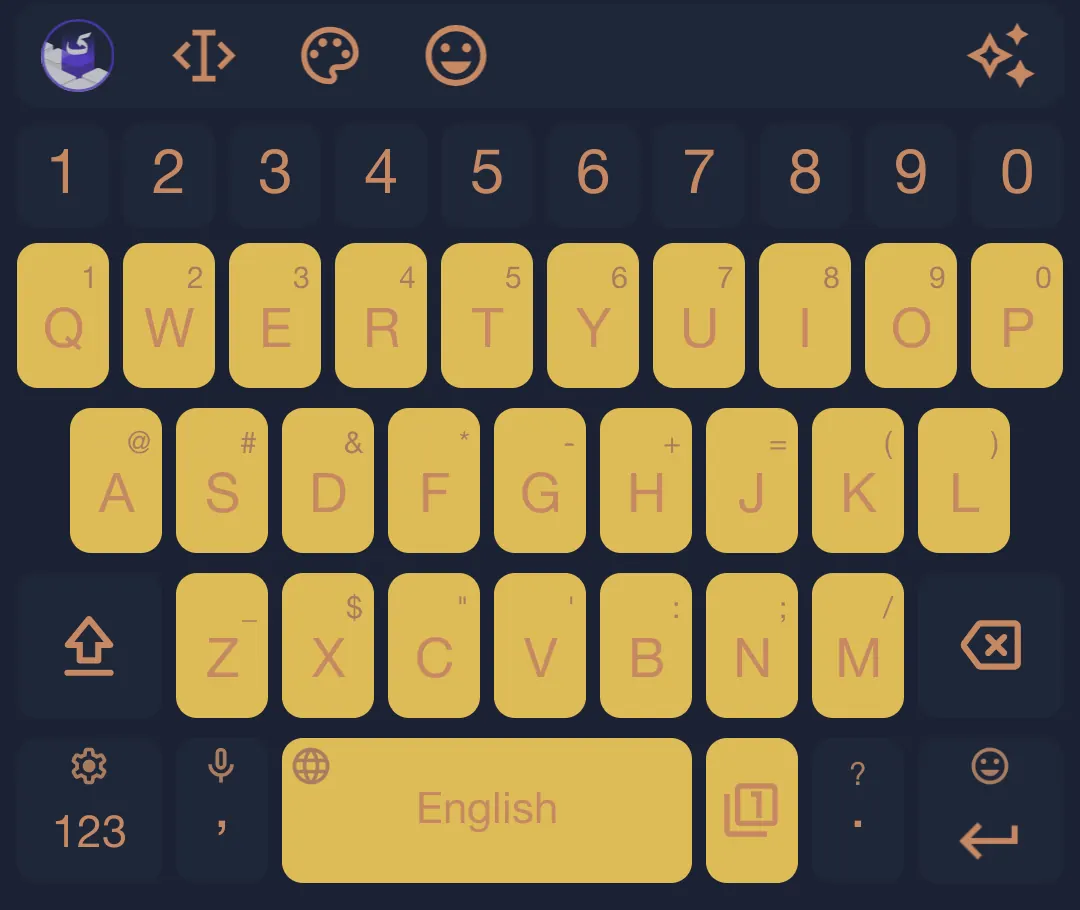
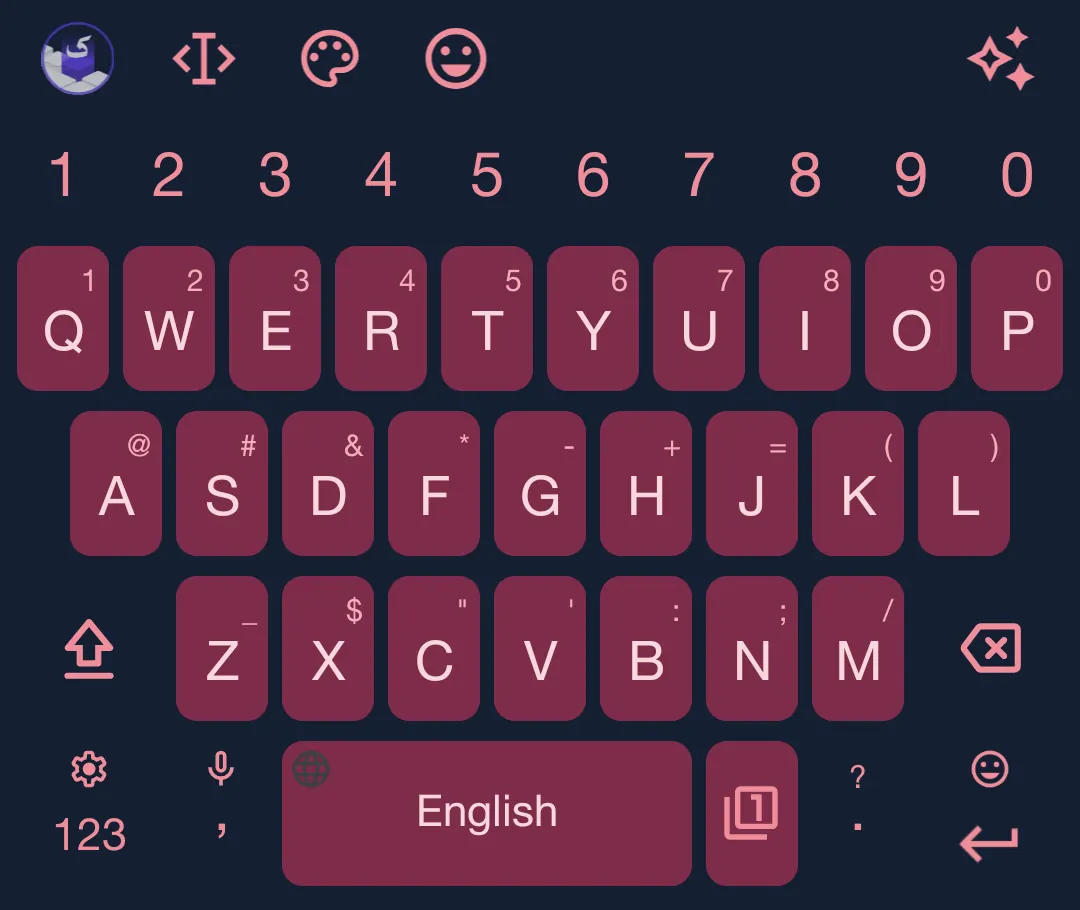
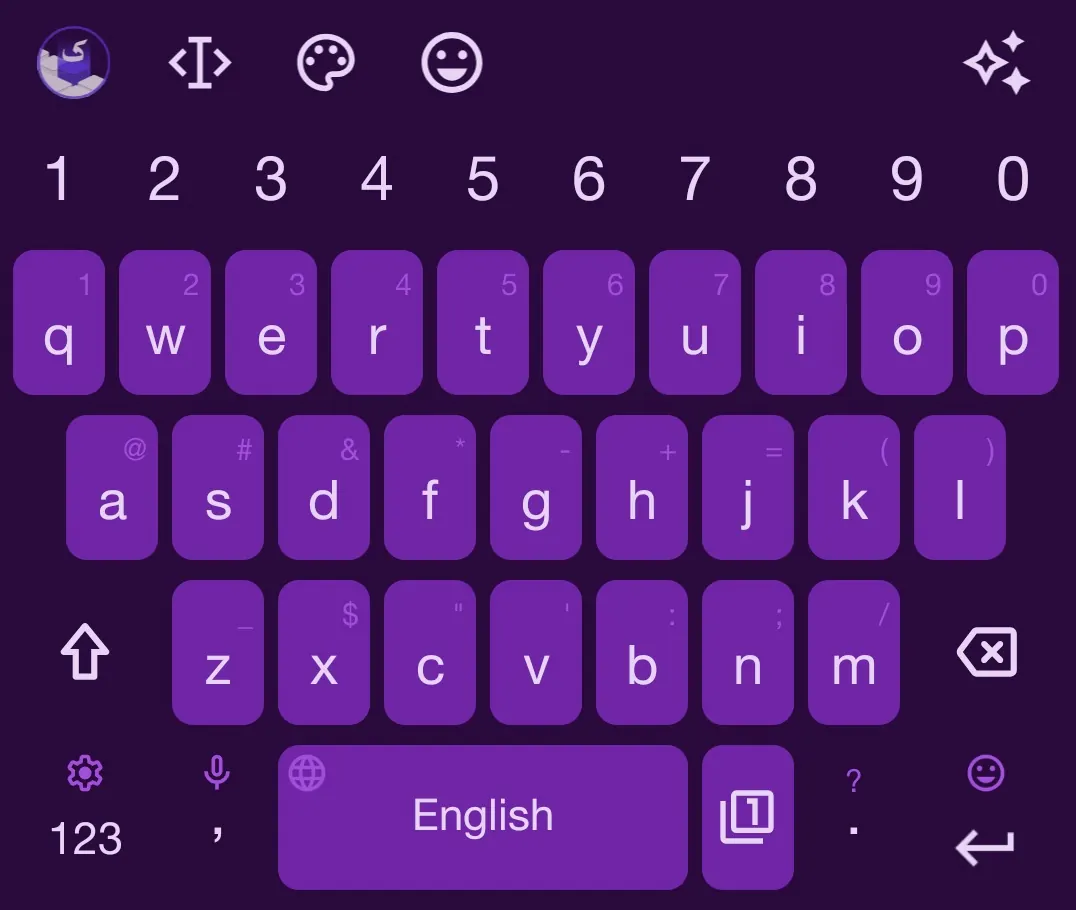
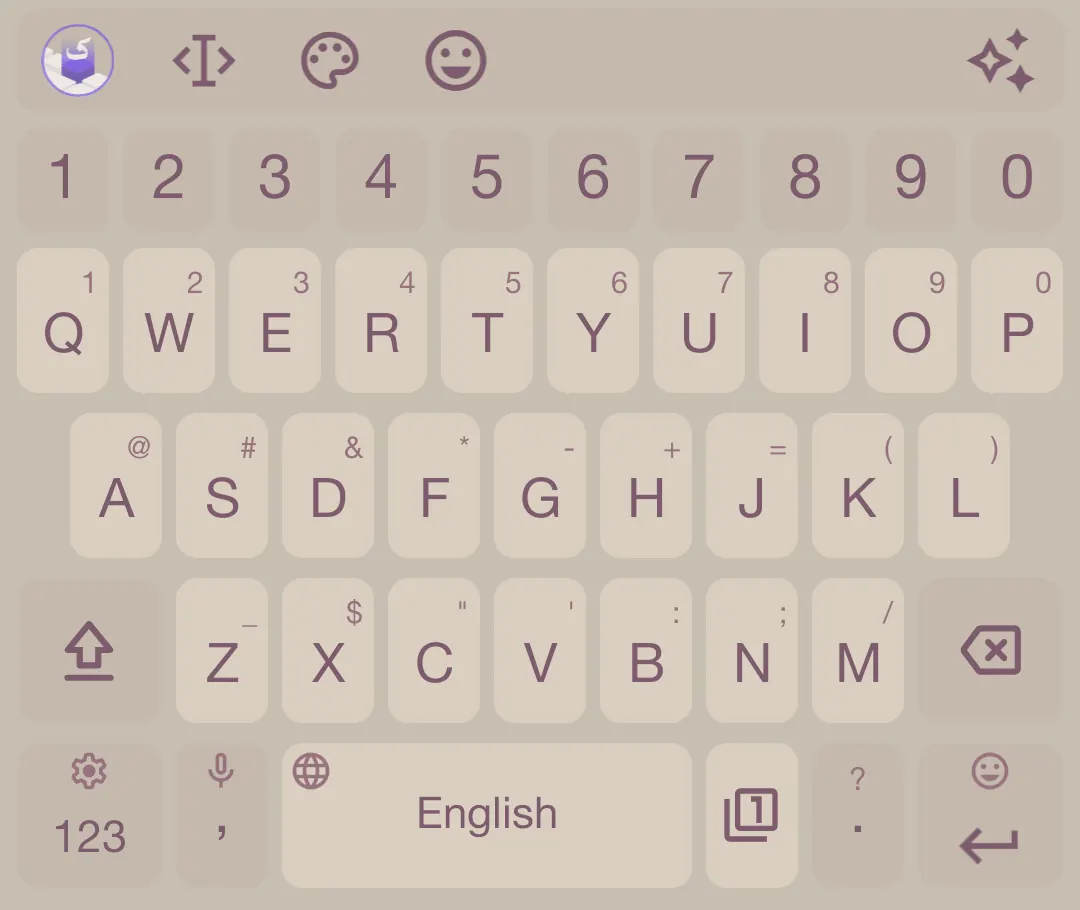
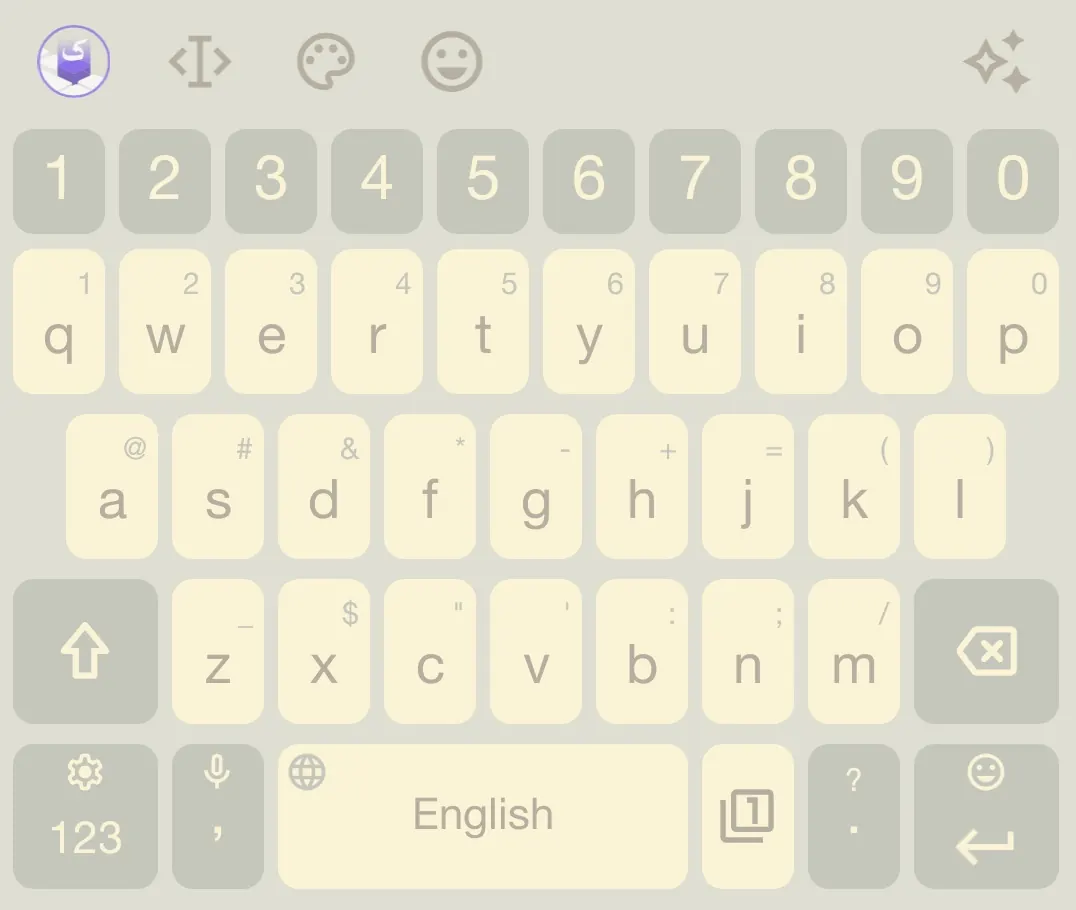
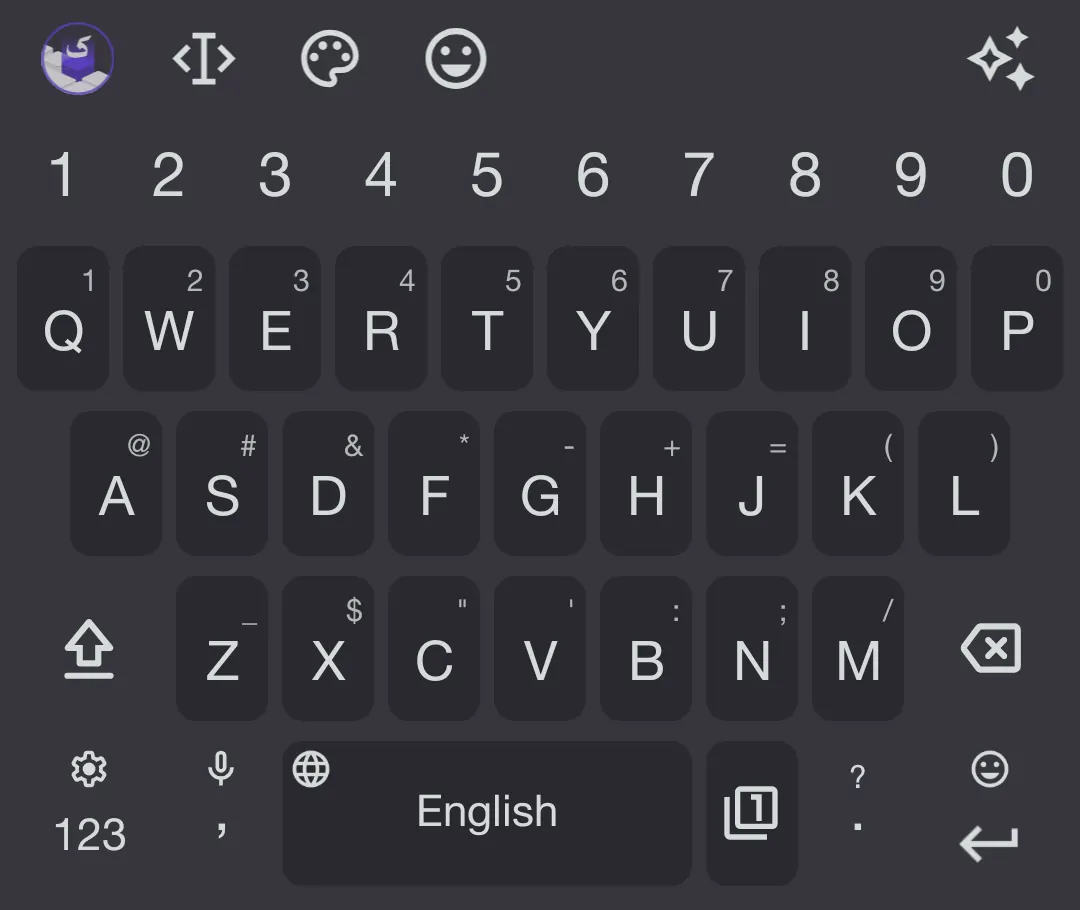
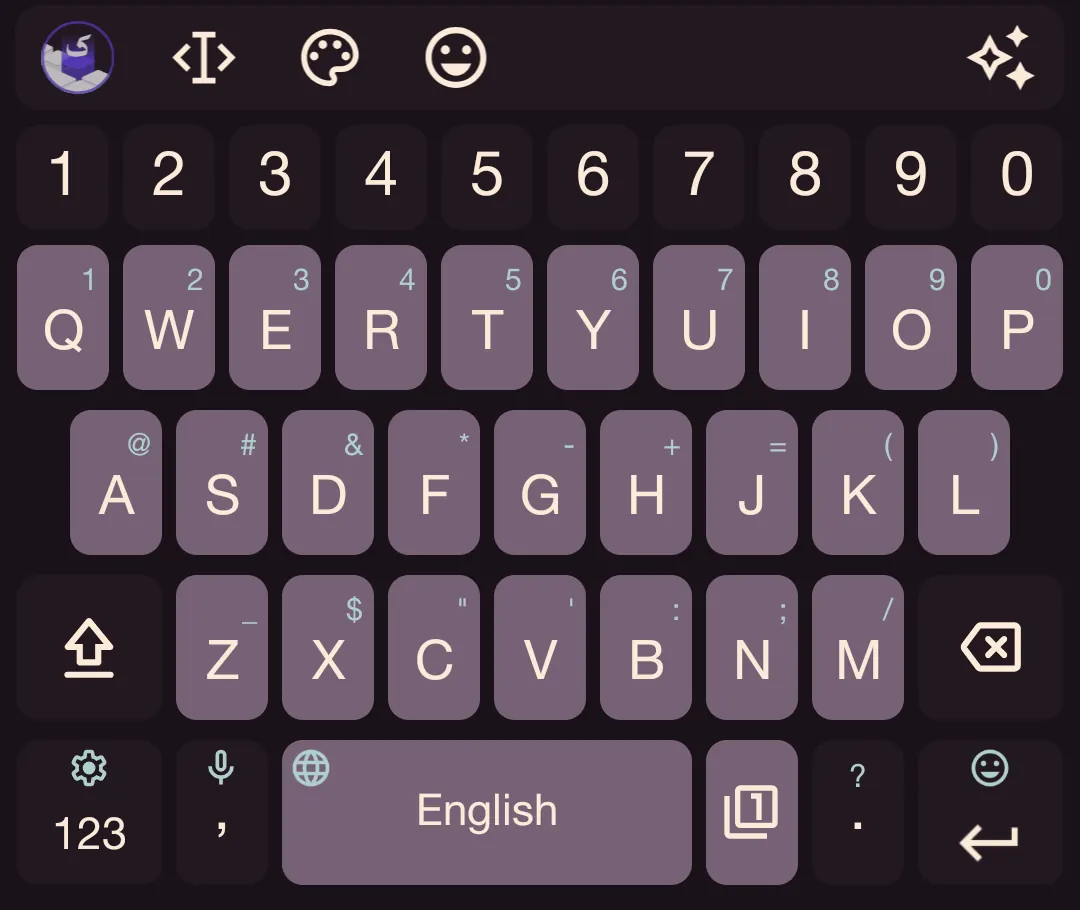
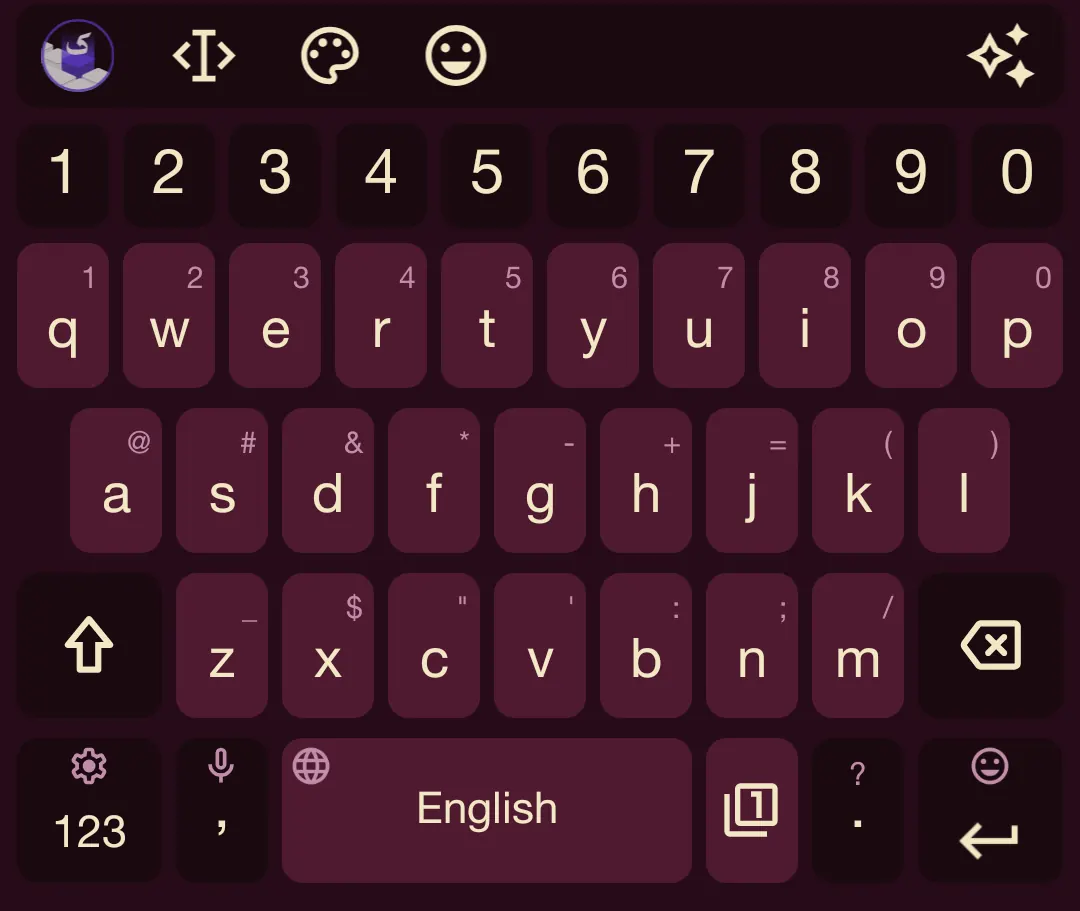
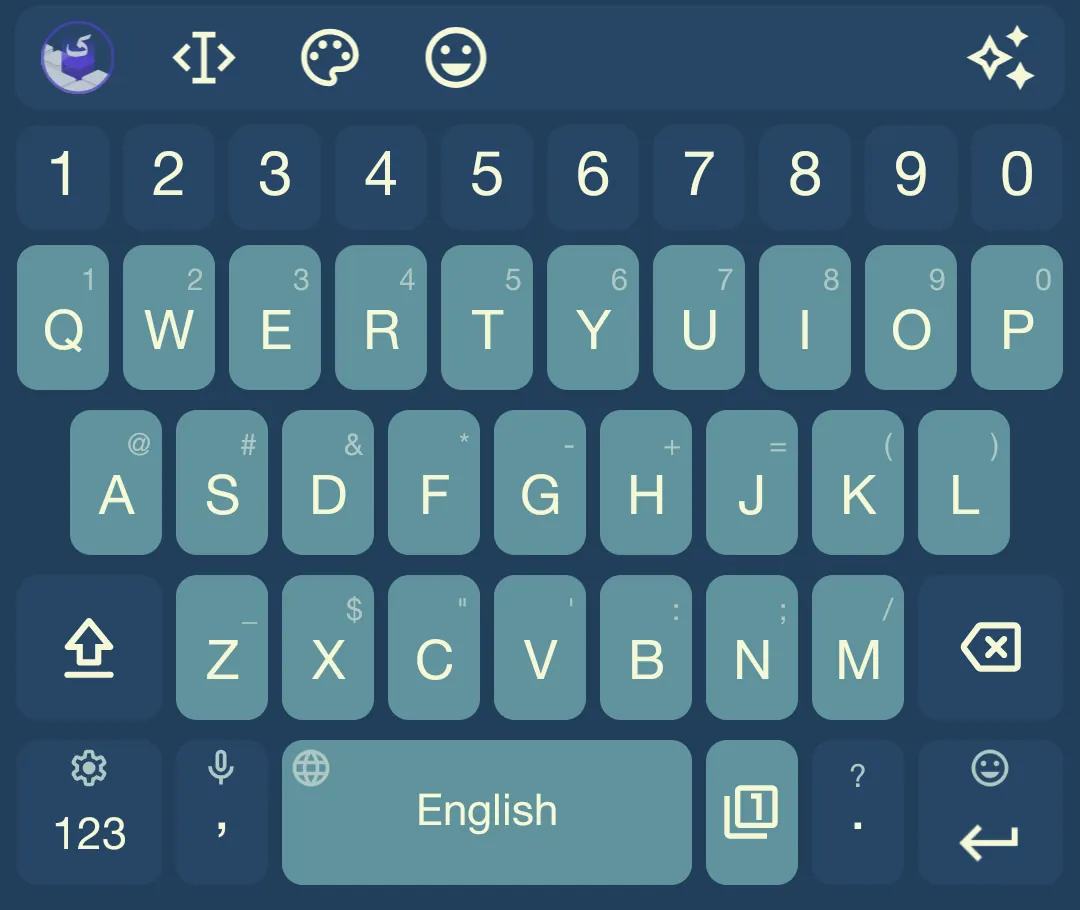
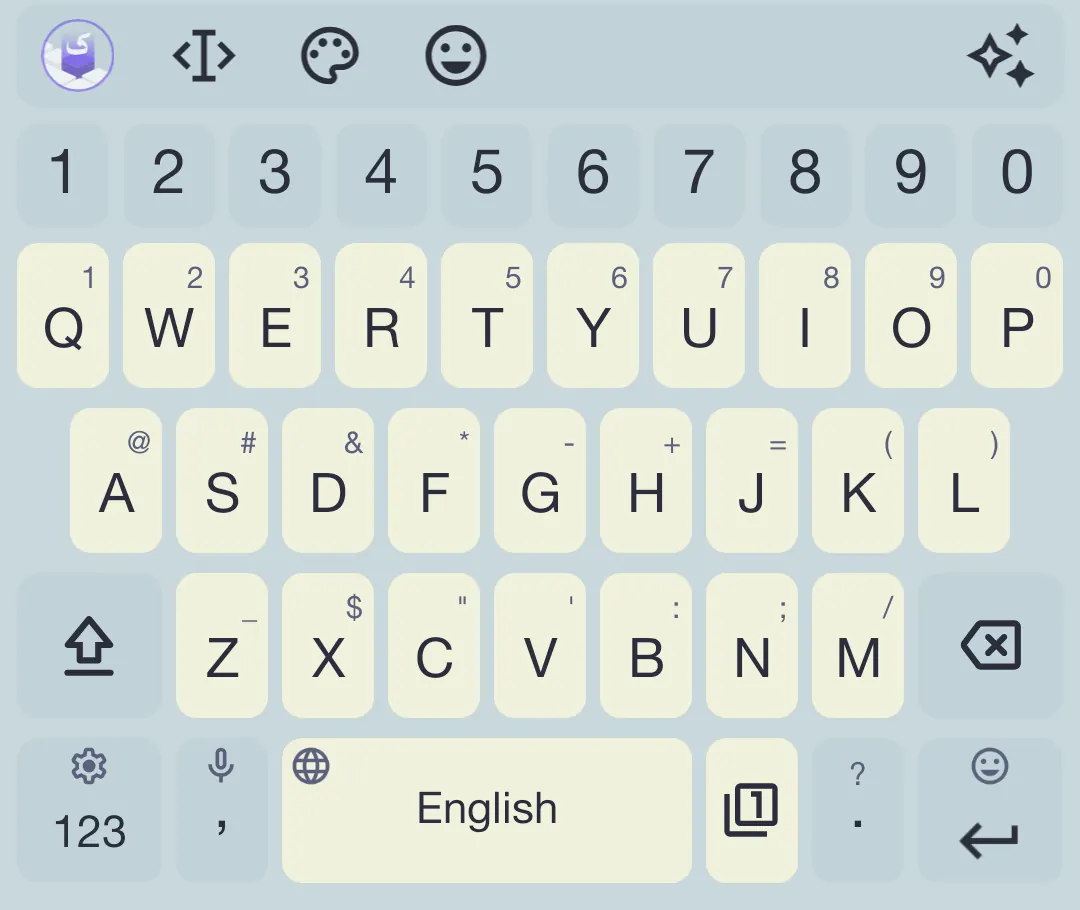
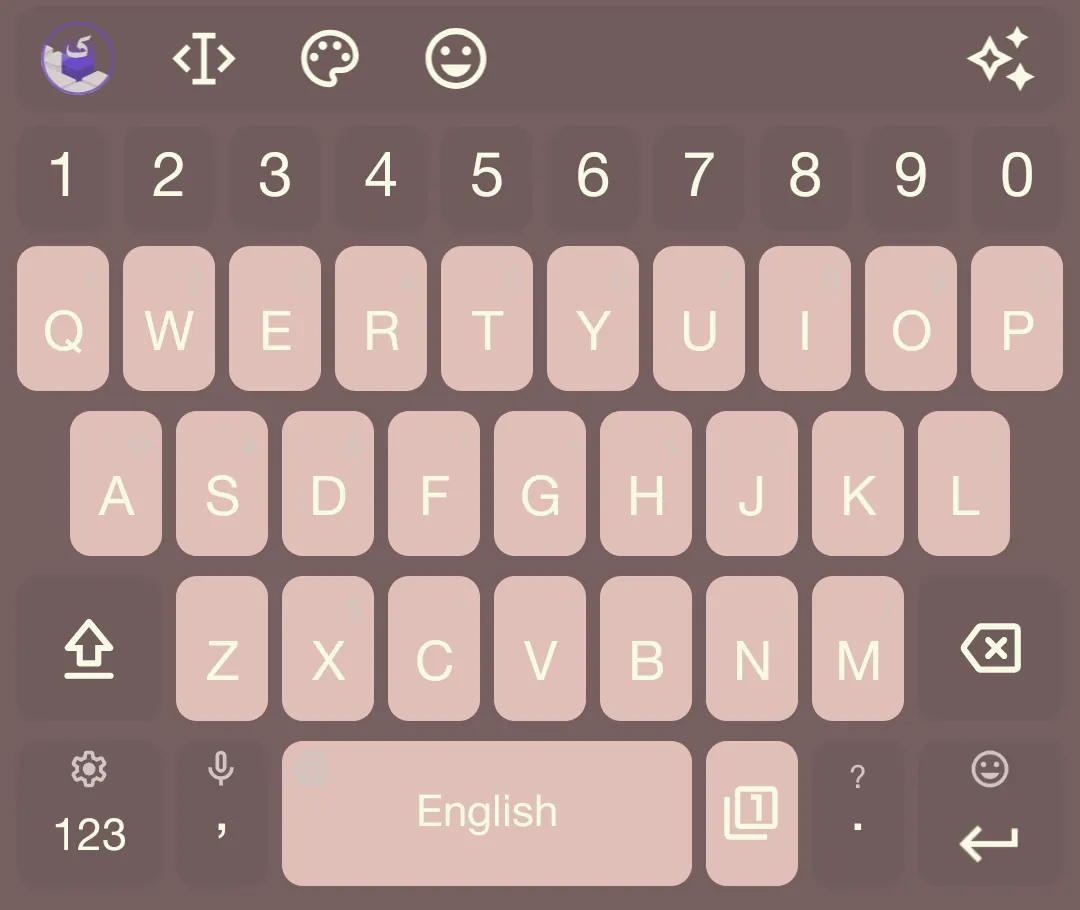
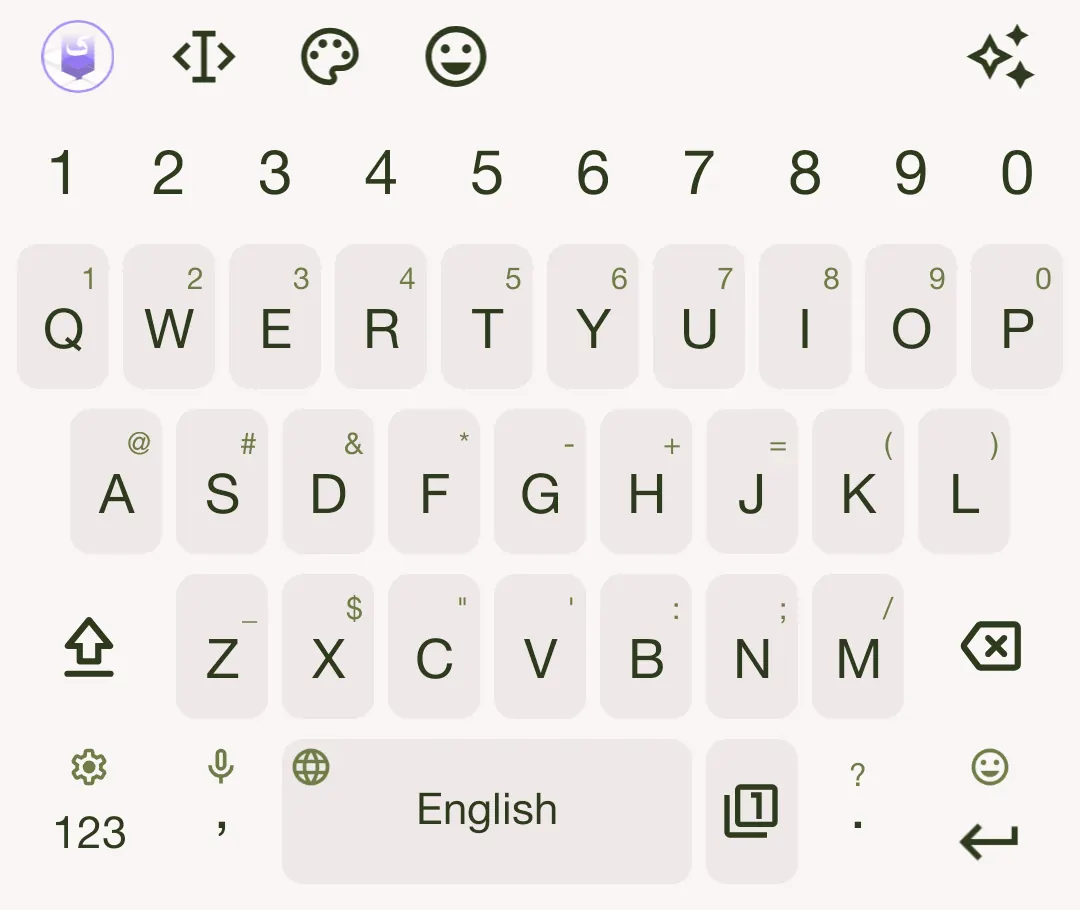
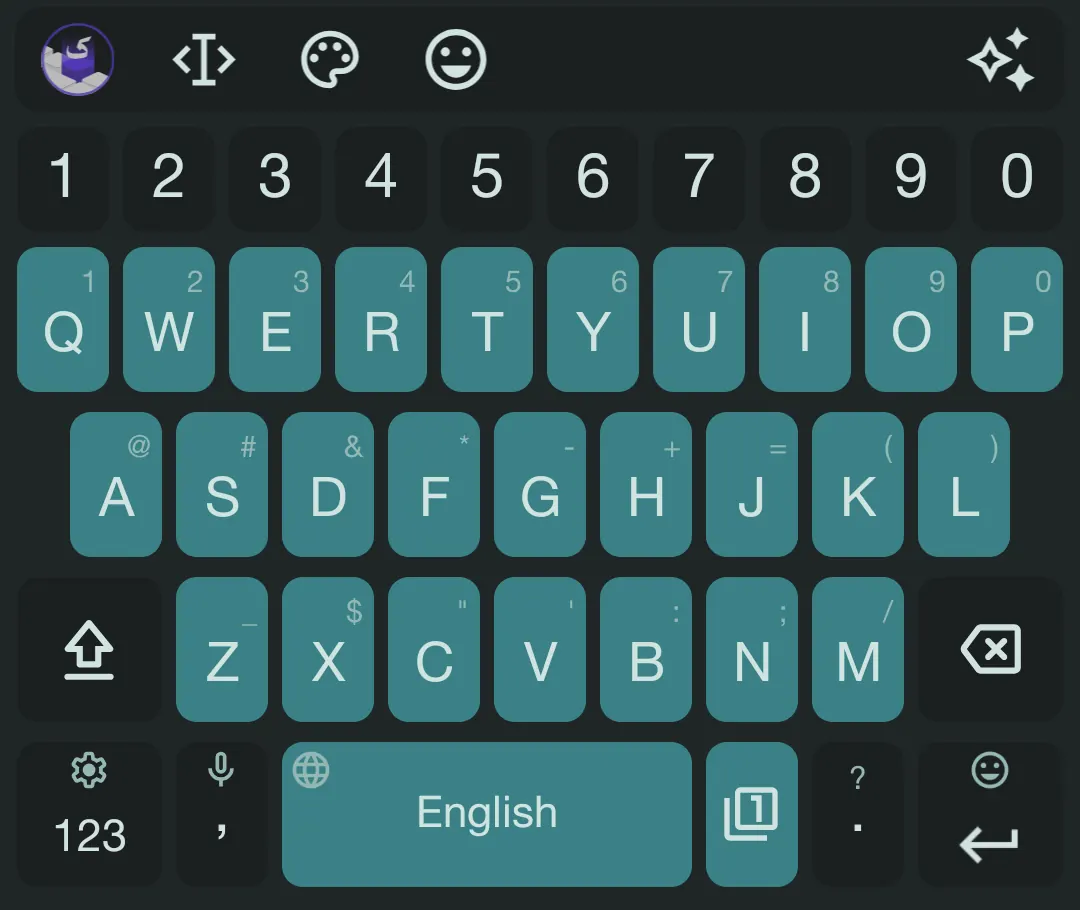
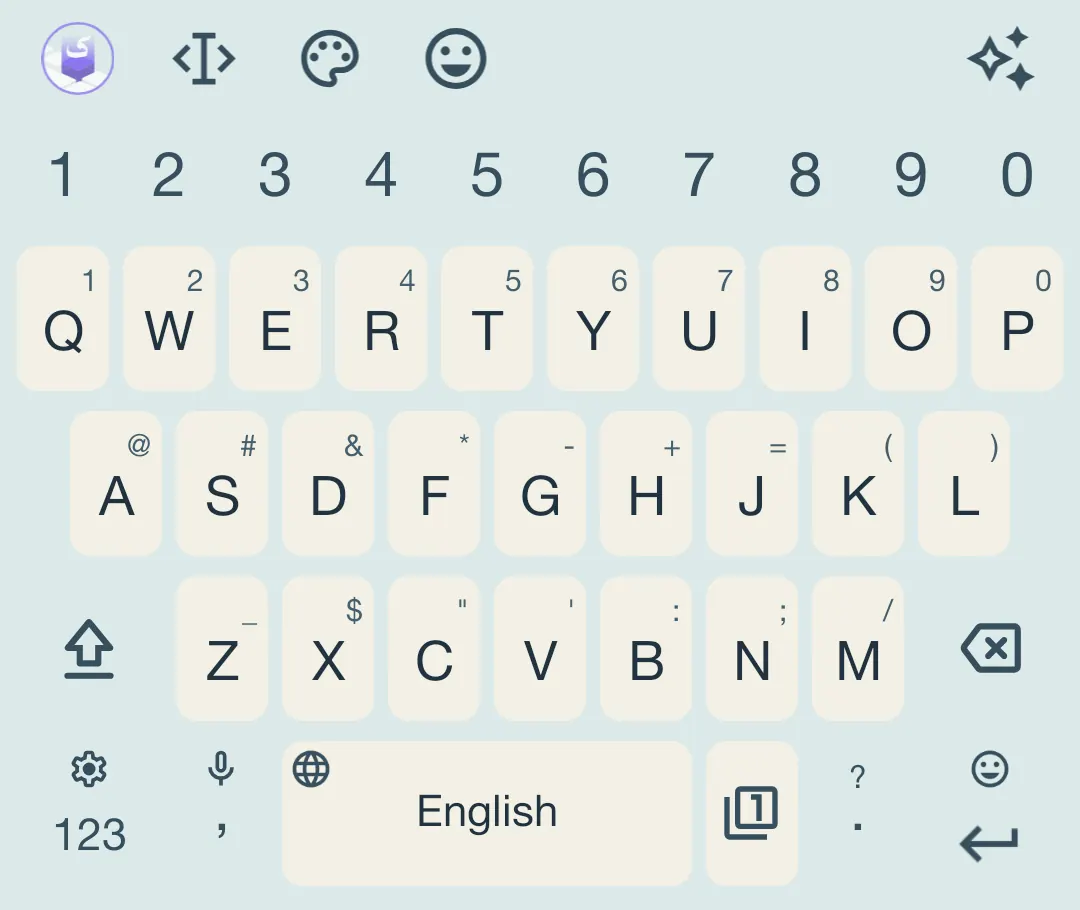
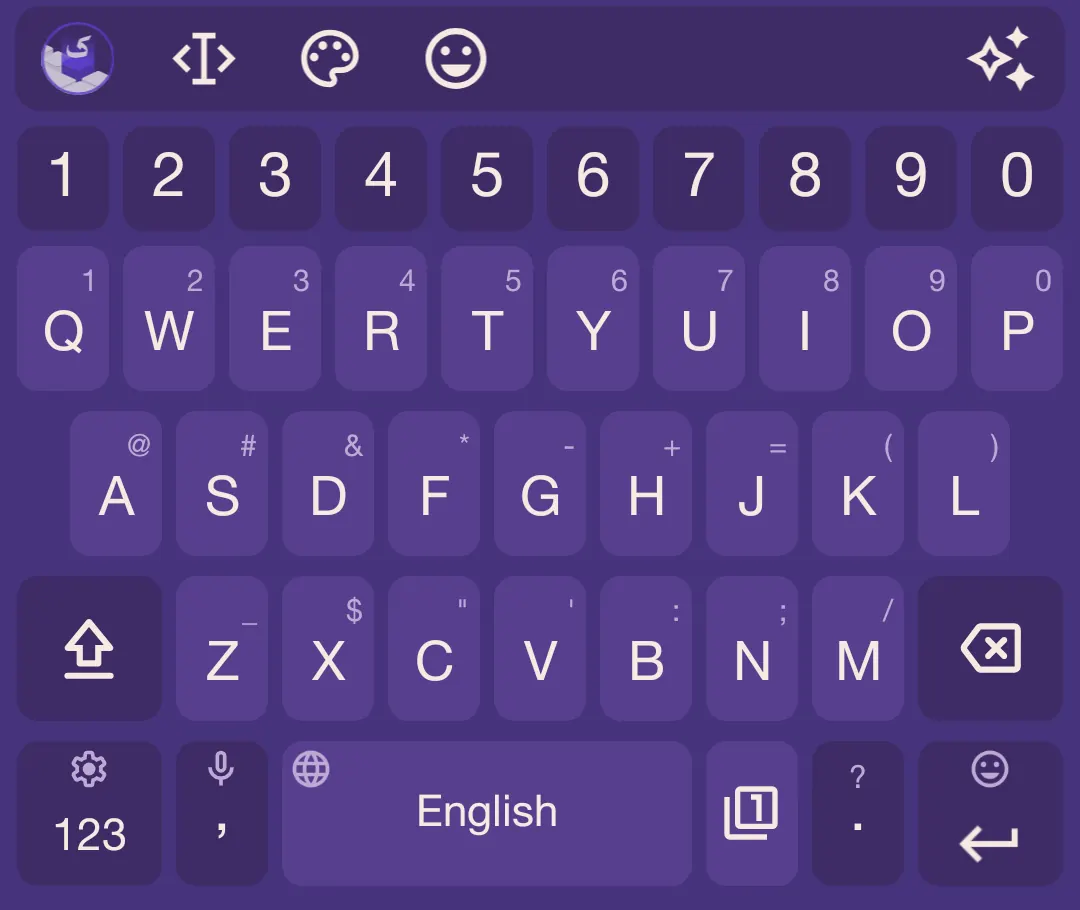
Every picture here is the keyboard itself with that theme on. Picture themes dress the keys, the space bar and the background in one style; color themes change the colors of the keys. You pick them in the app under Themes.
New: keys, space bar and background drawn in one style.
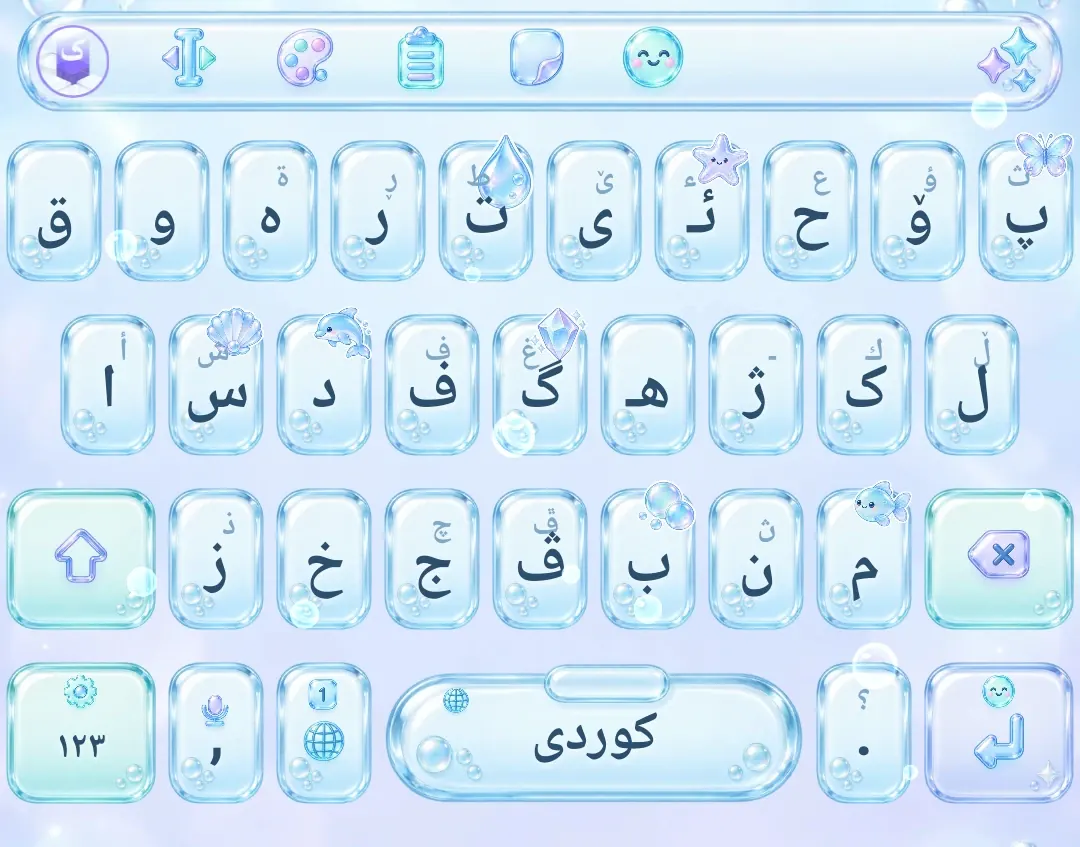
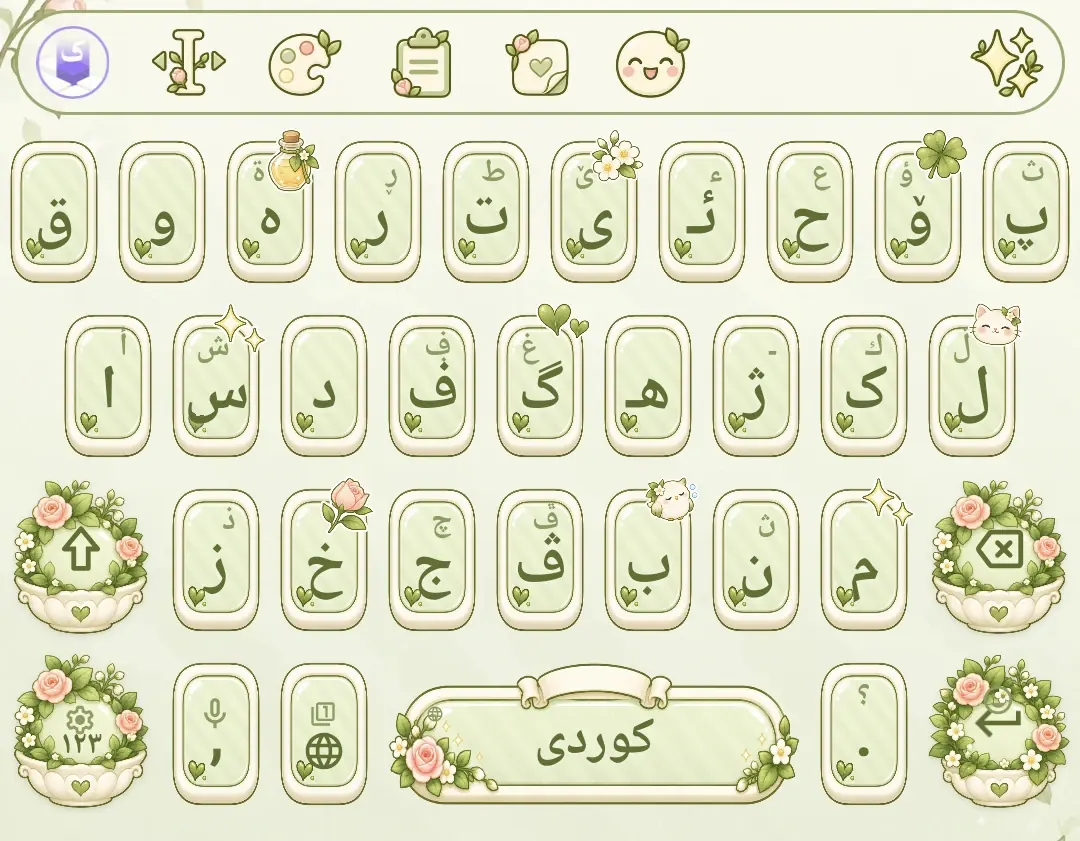
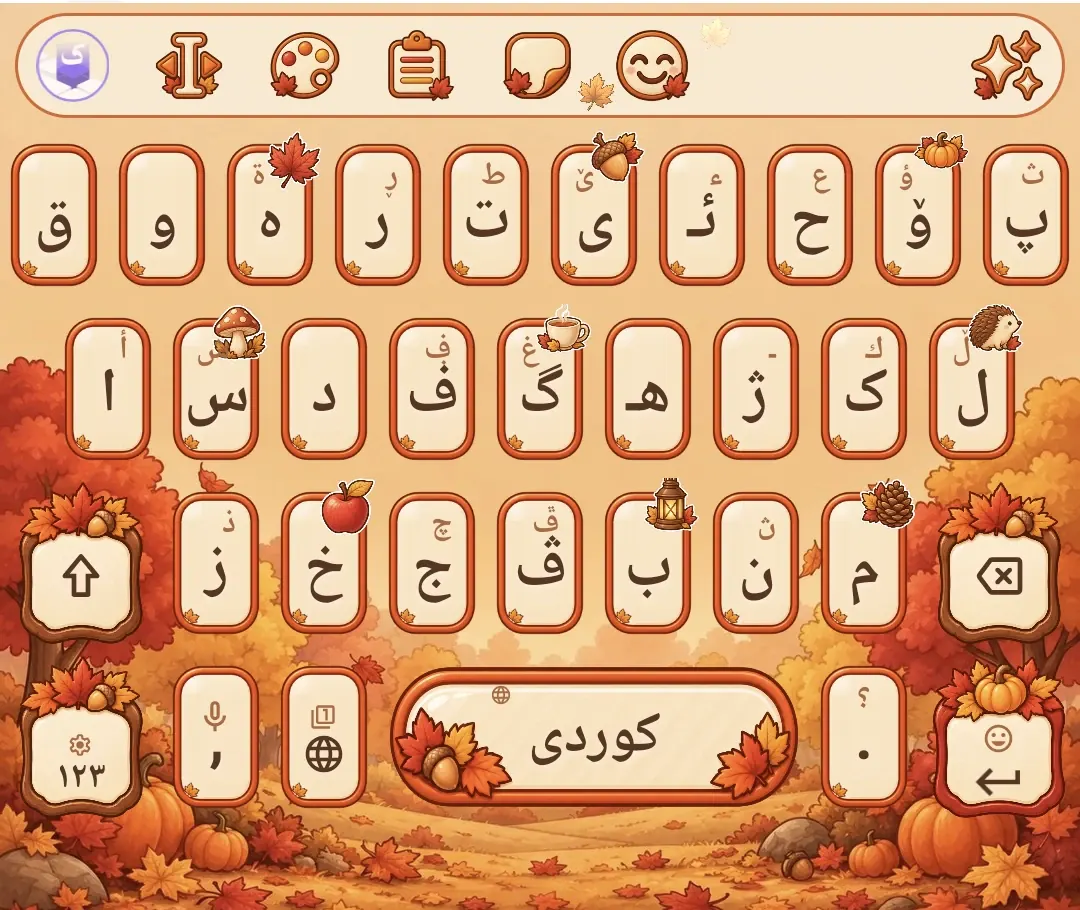
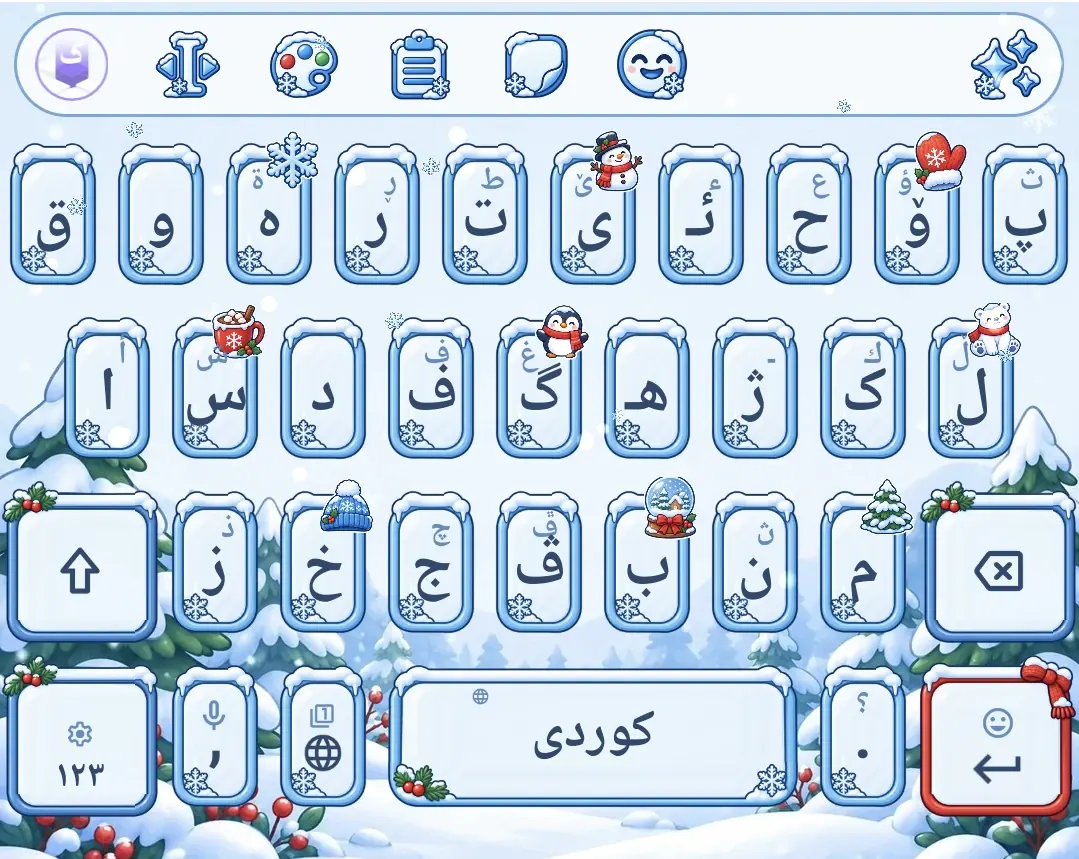
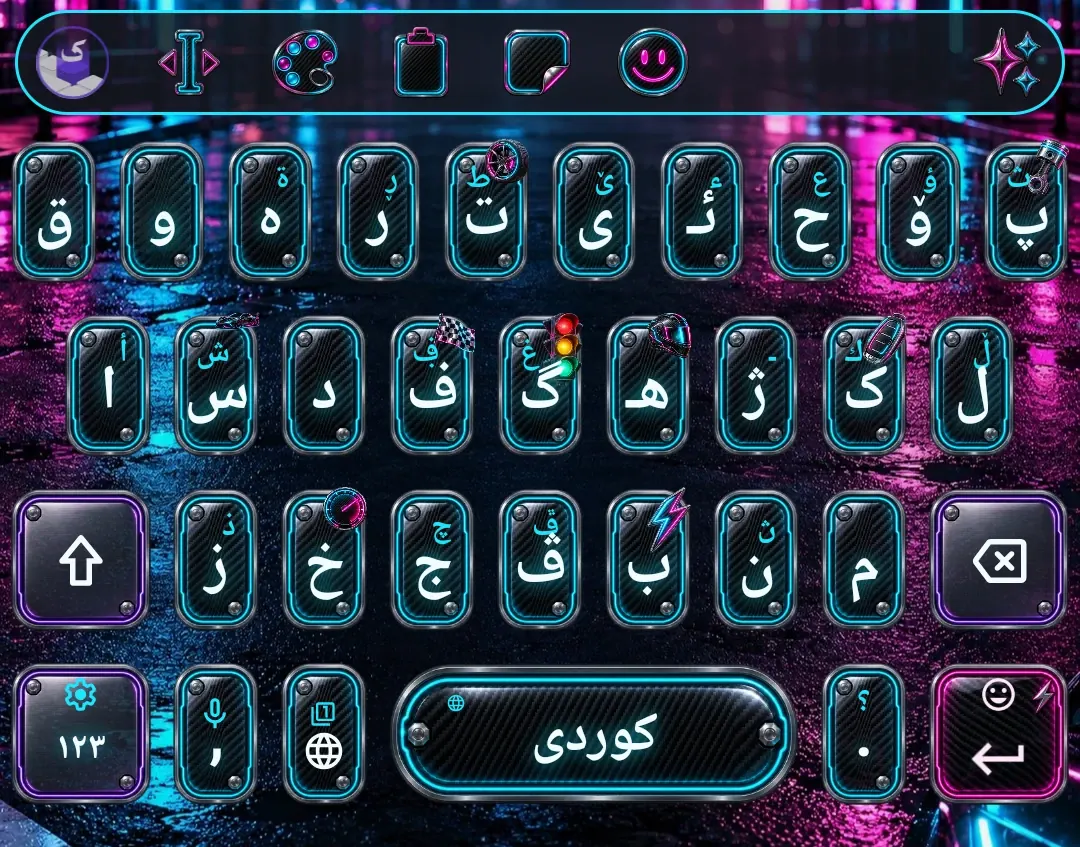
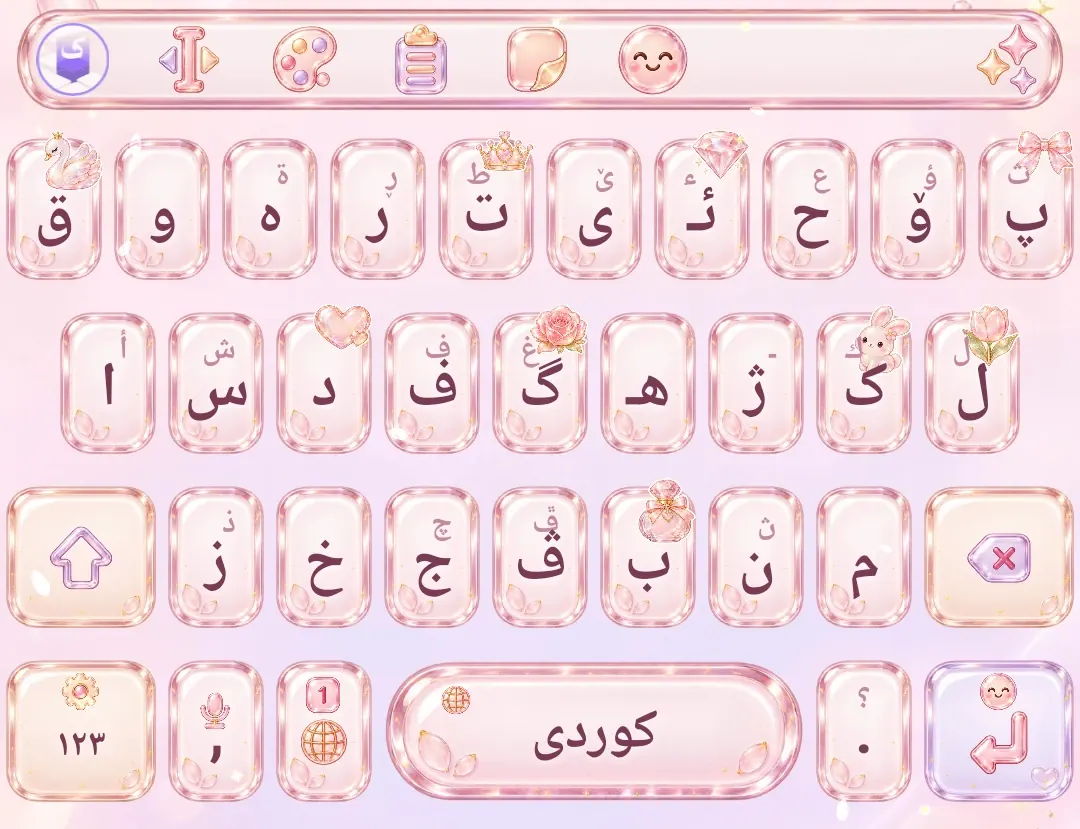
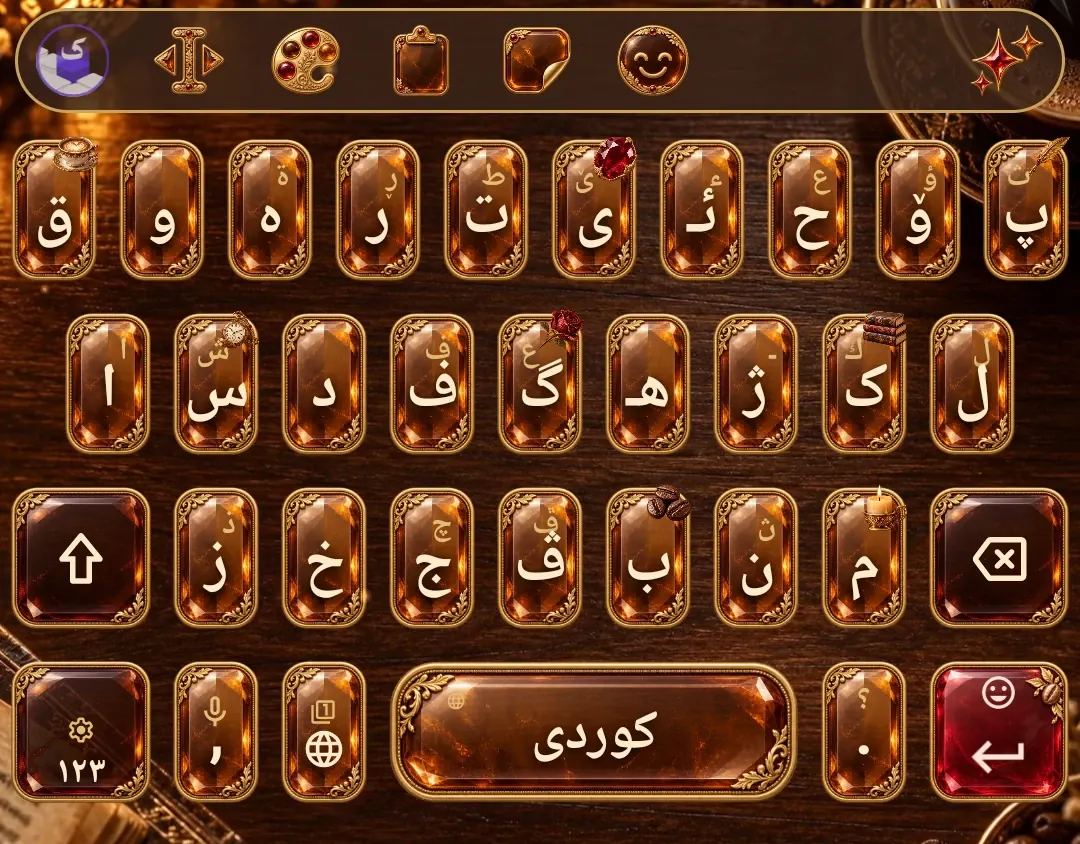
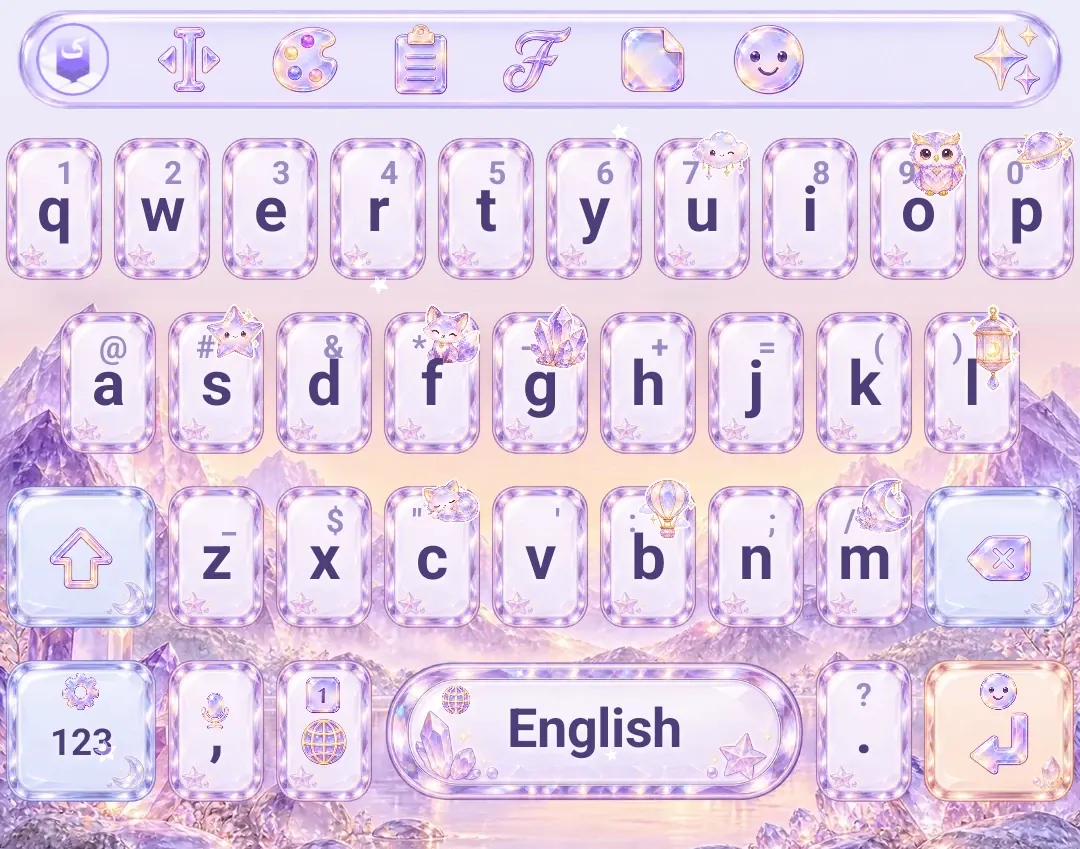
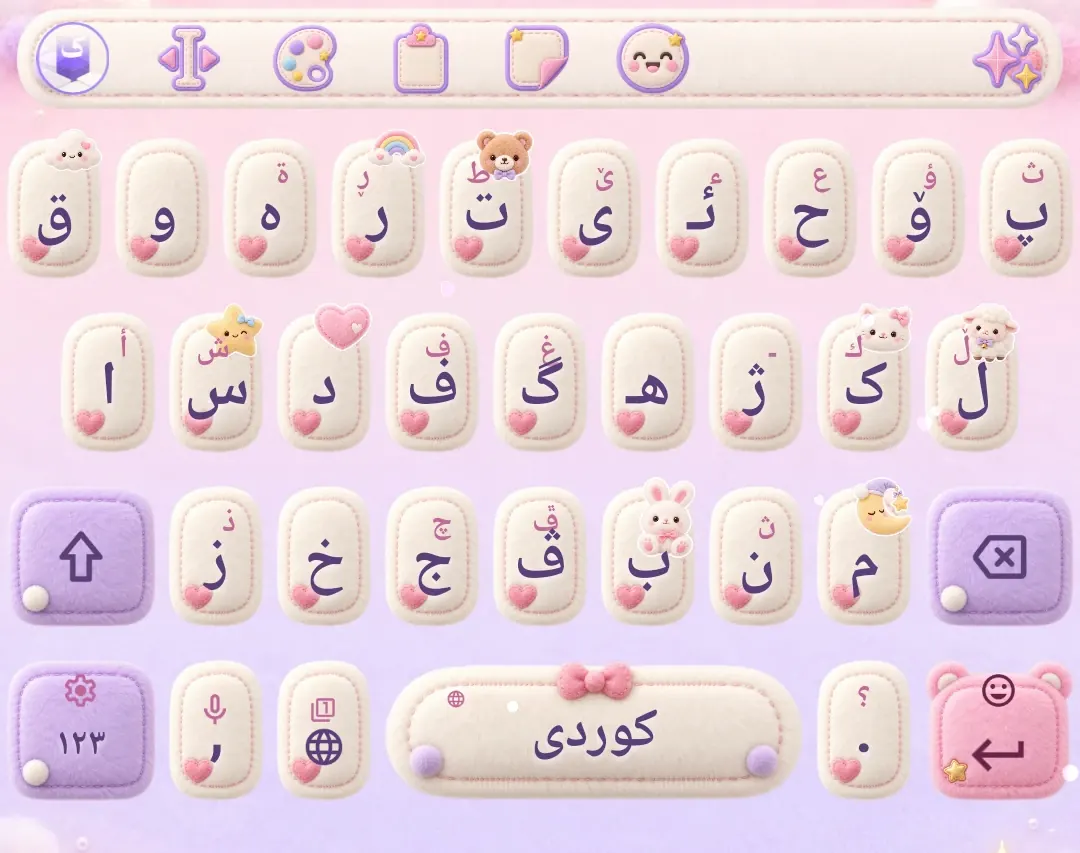
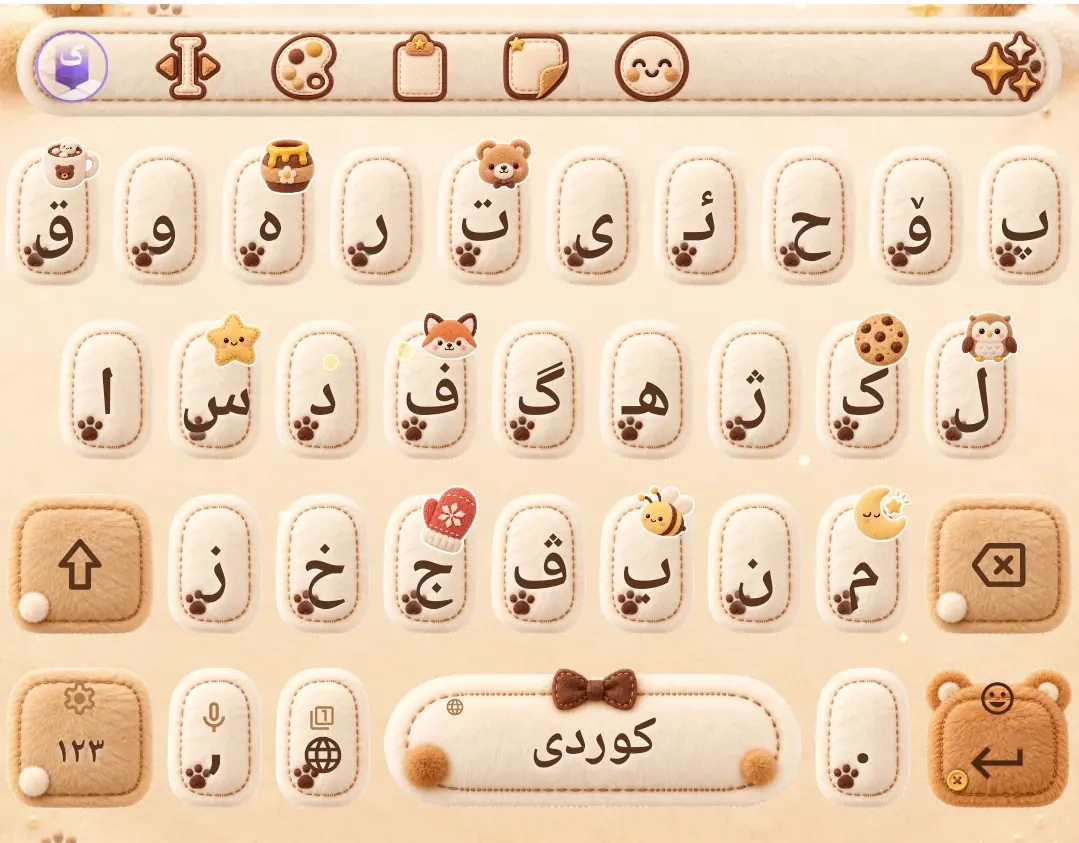
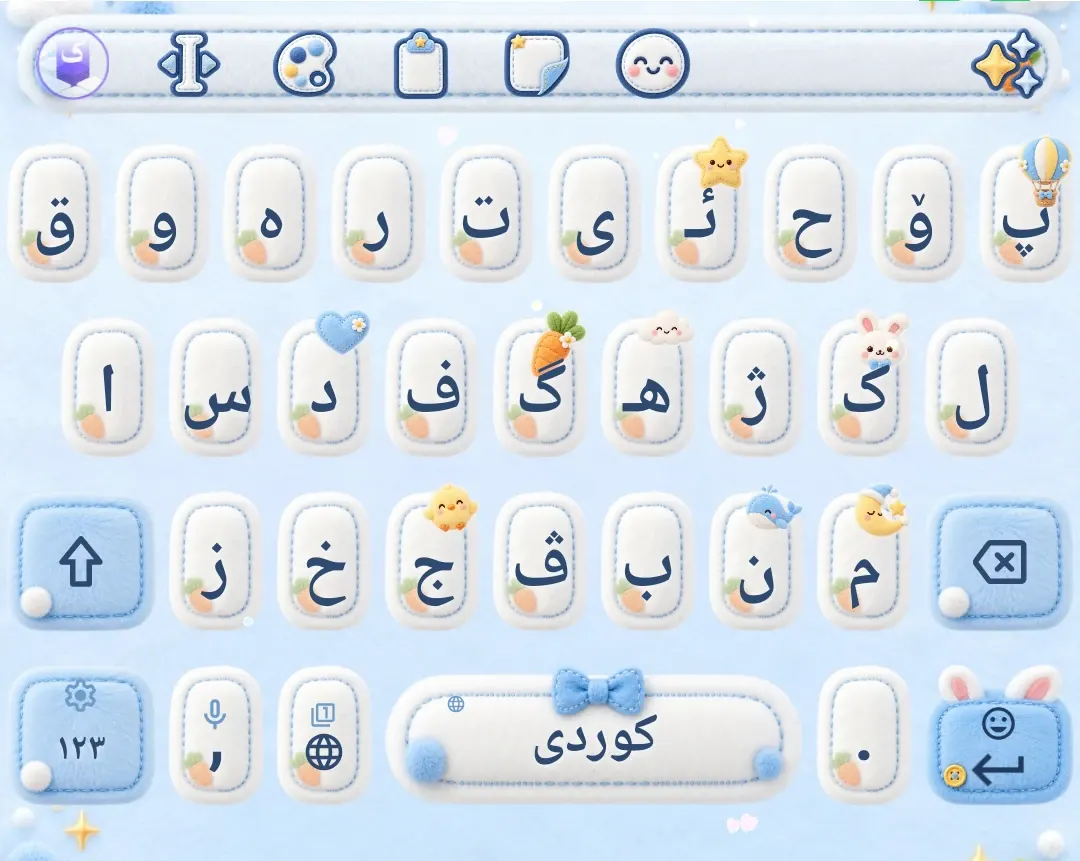
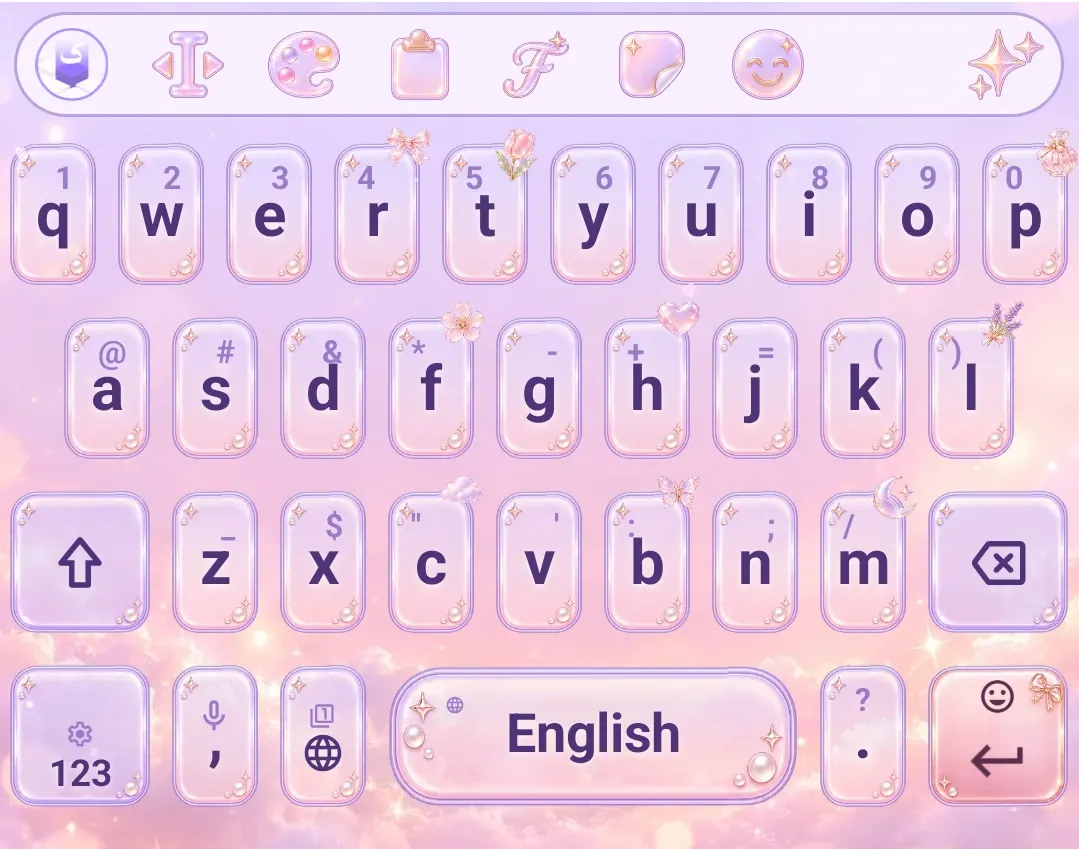
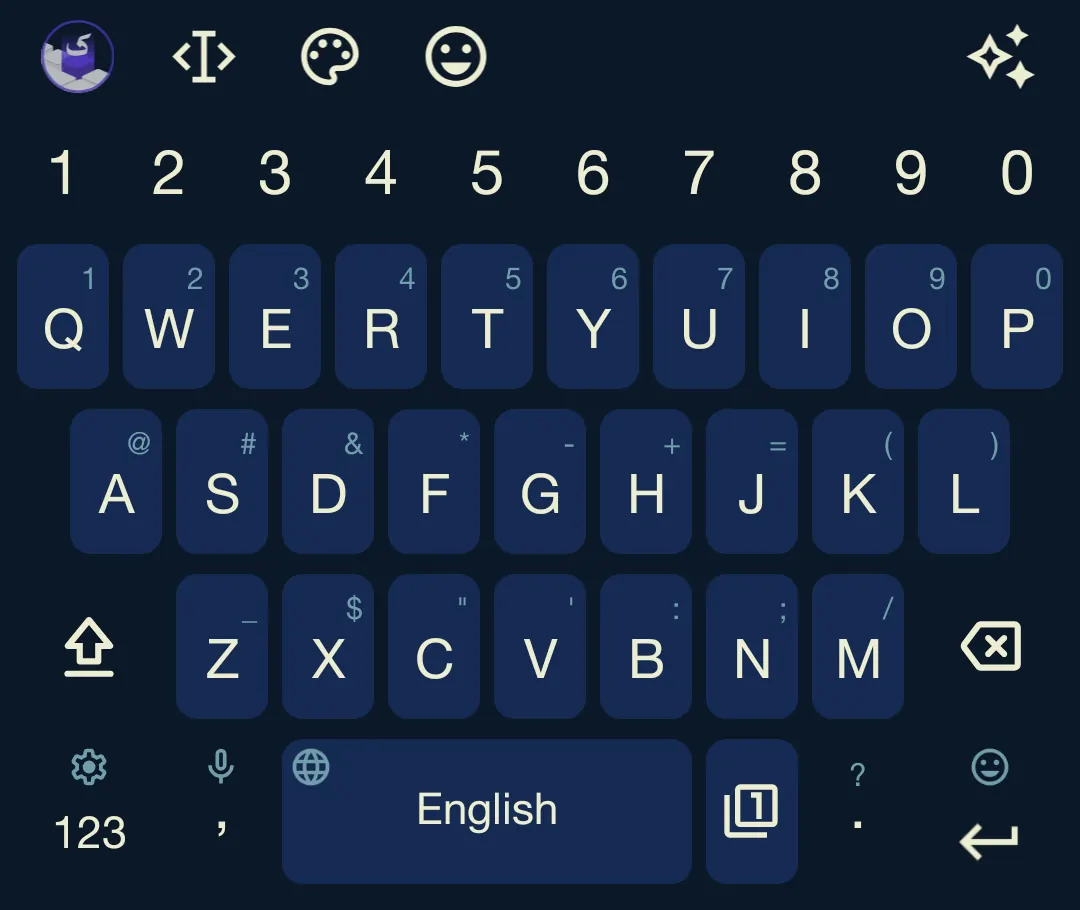
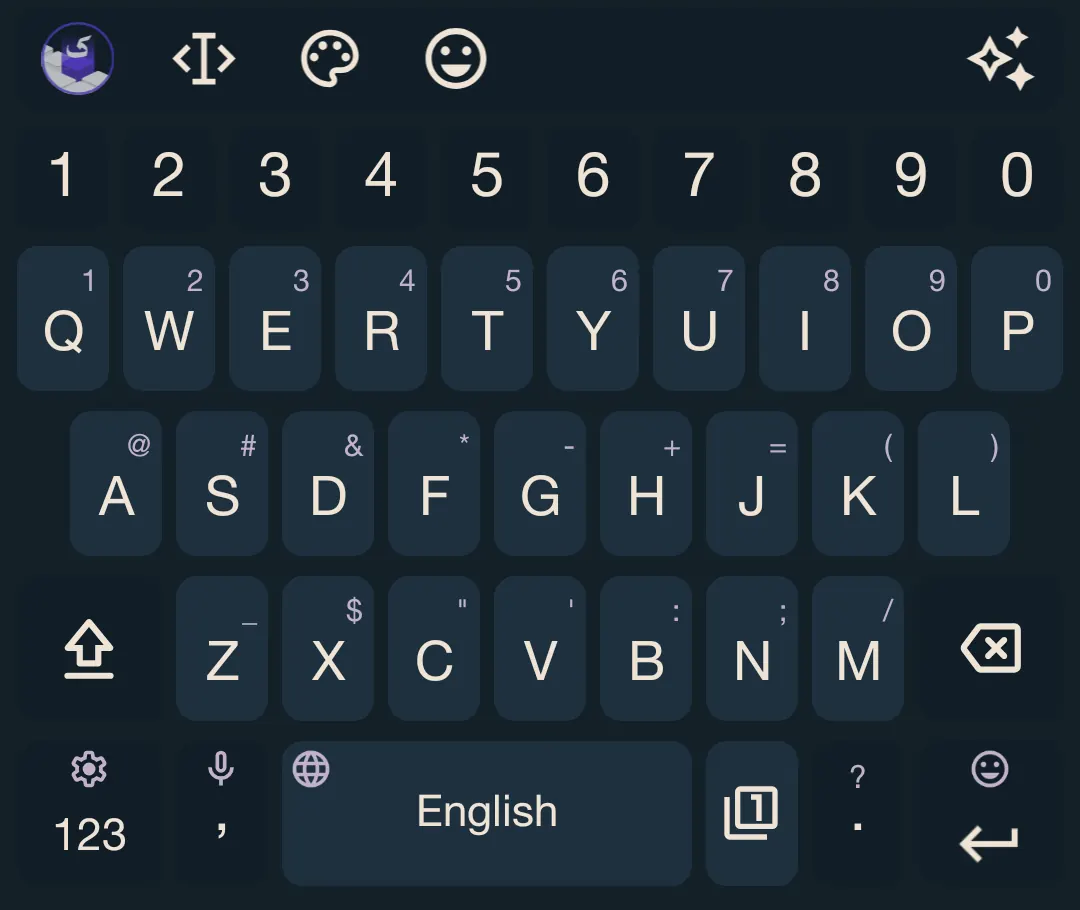
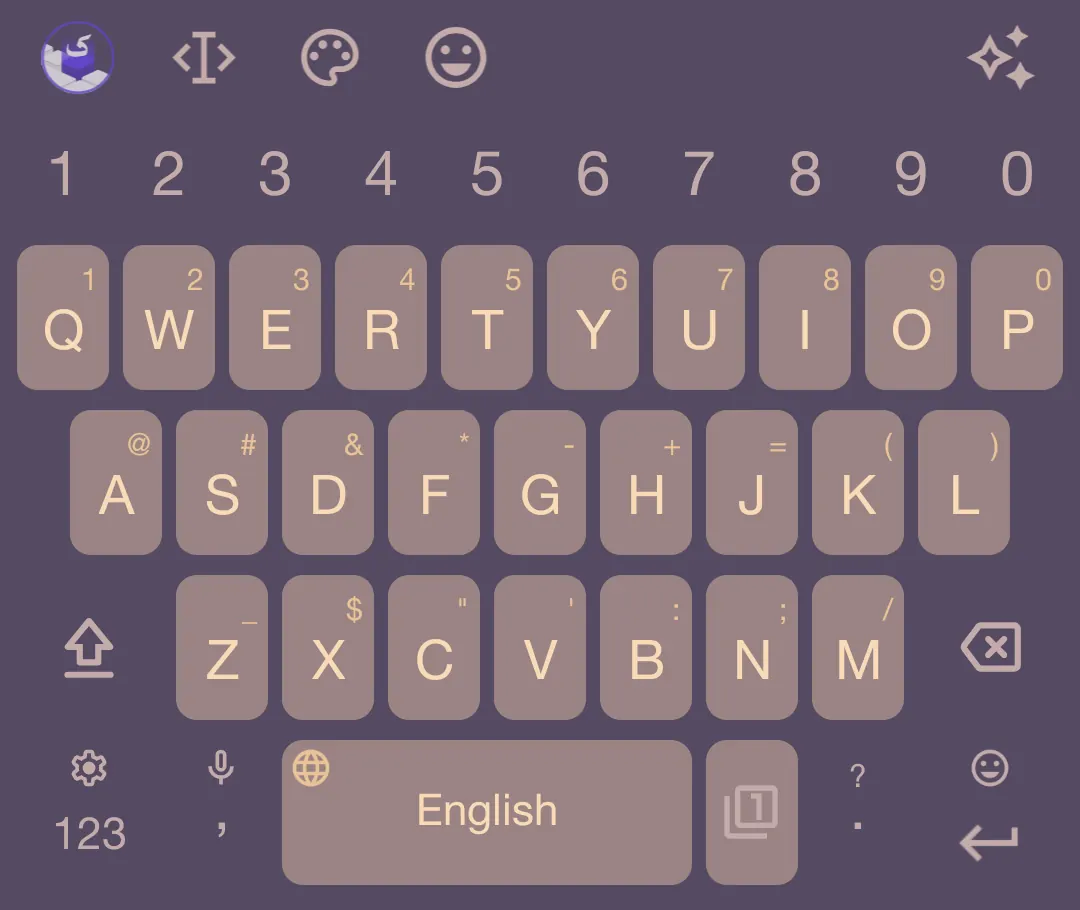
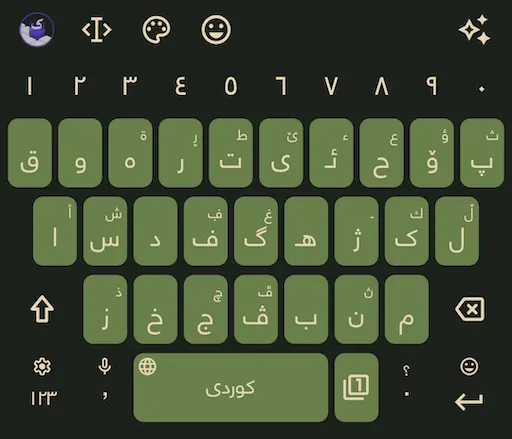
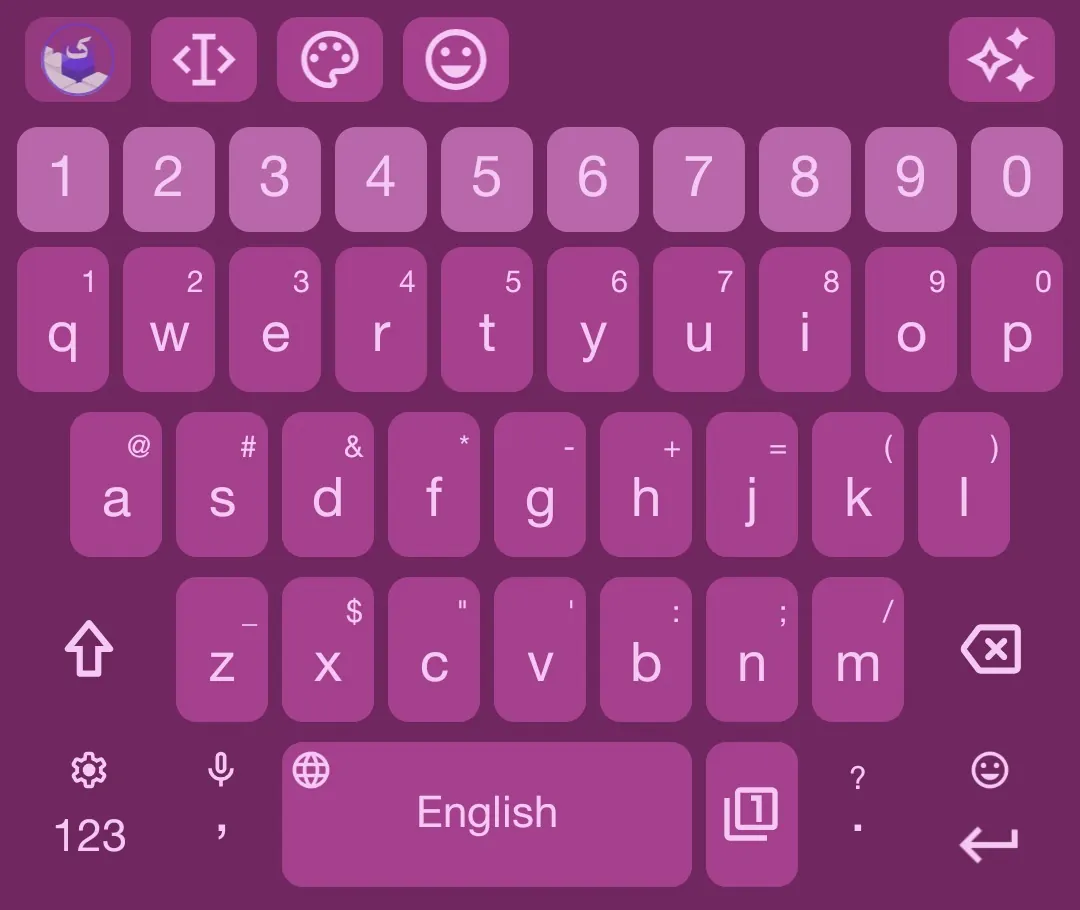
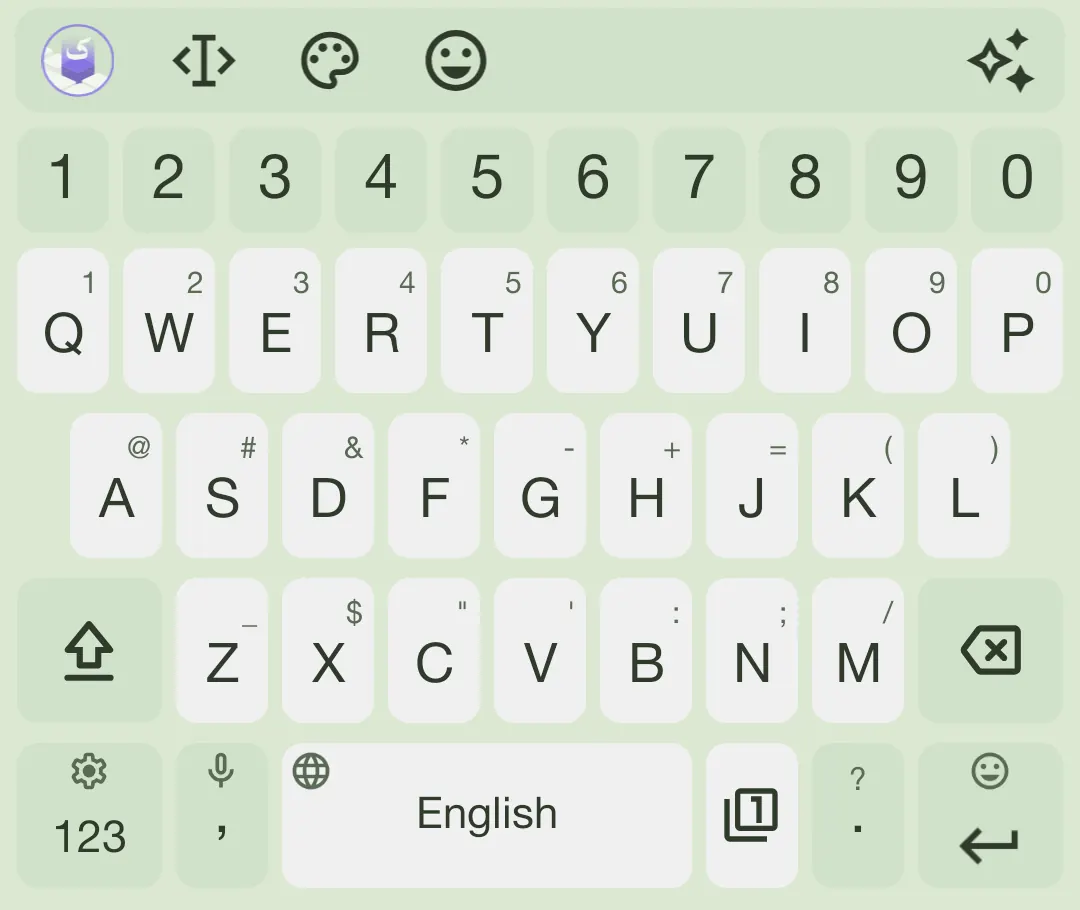
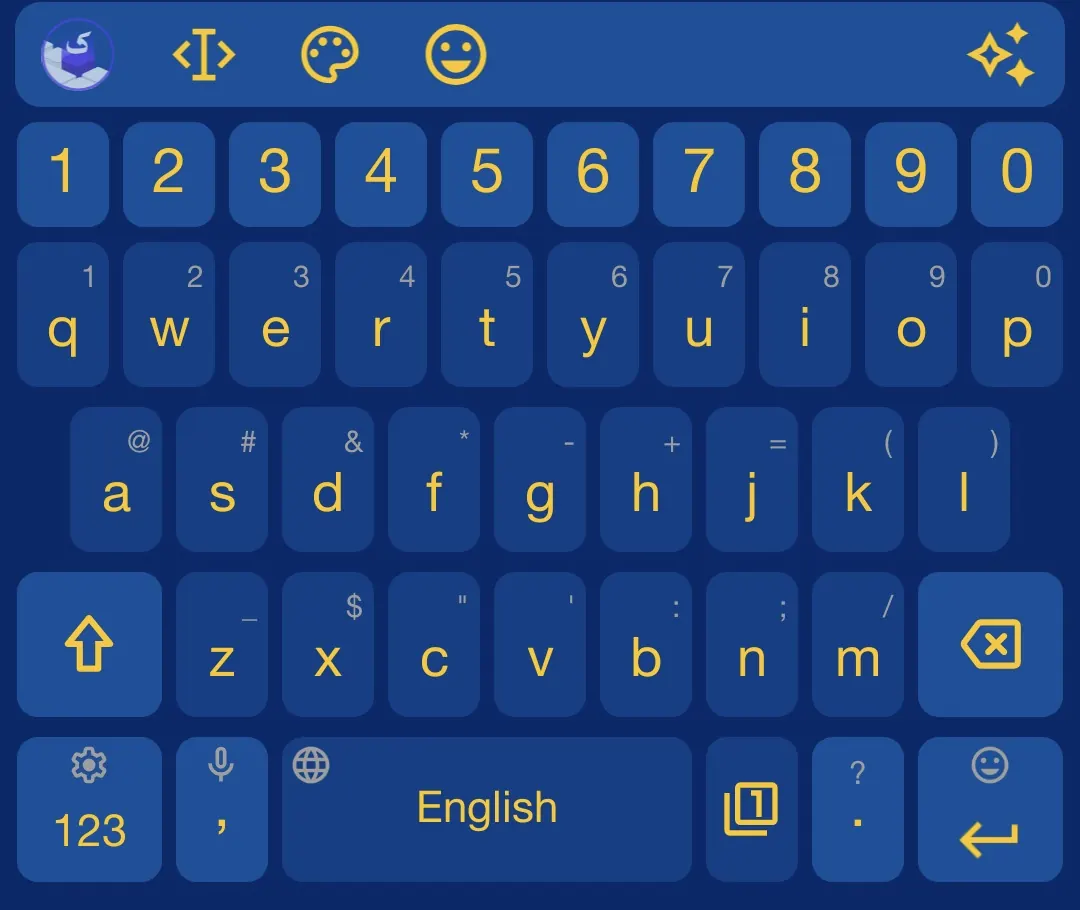
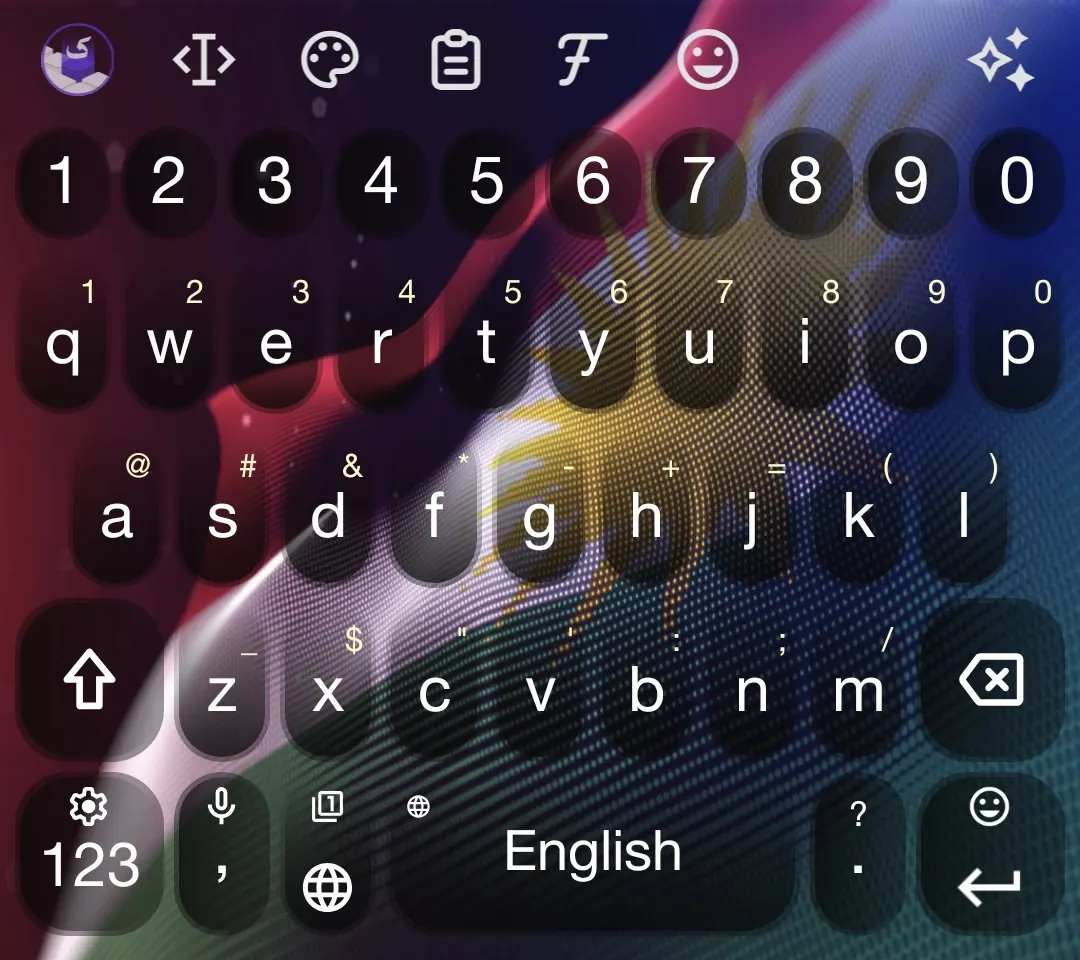
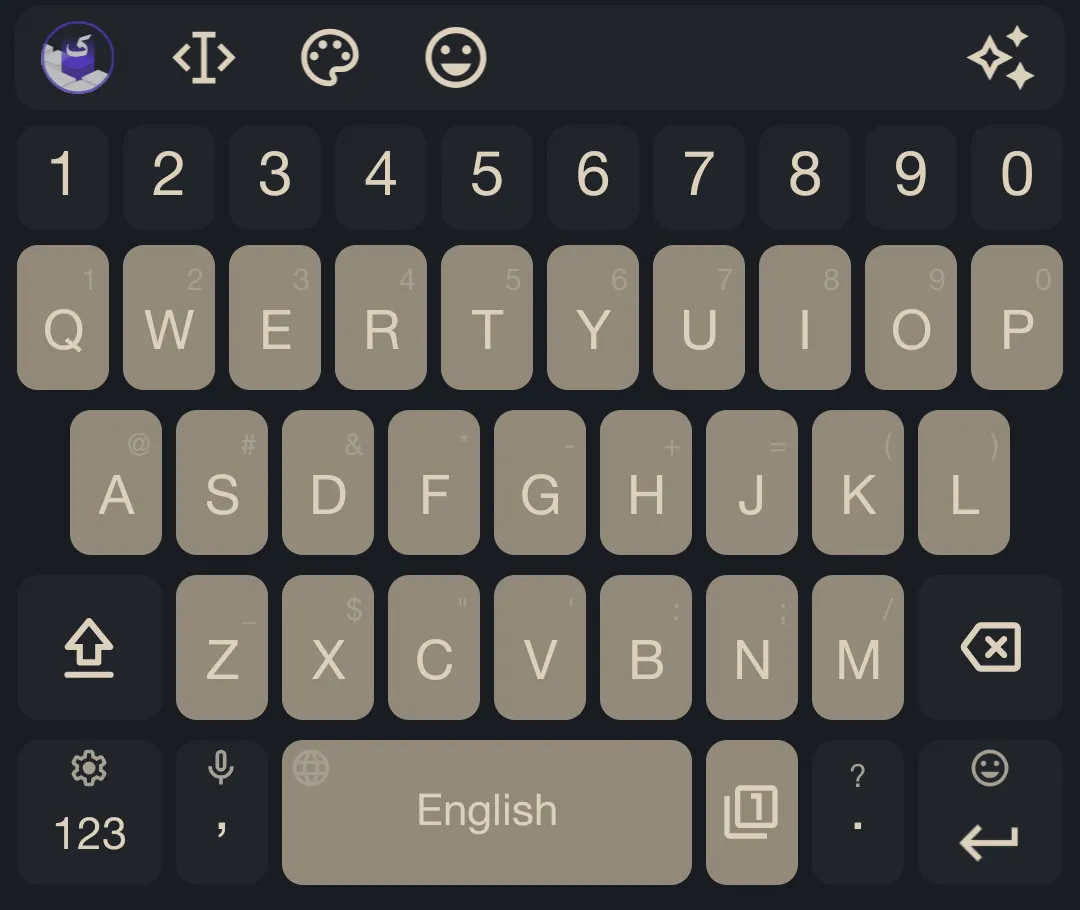
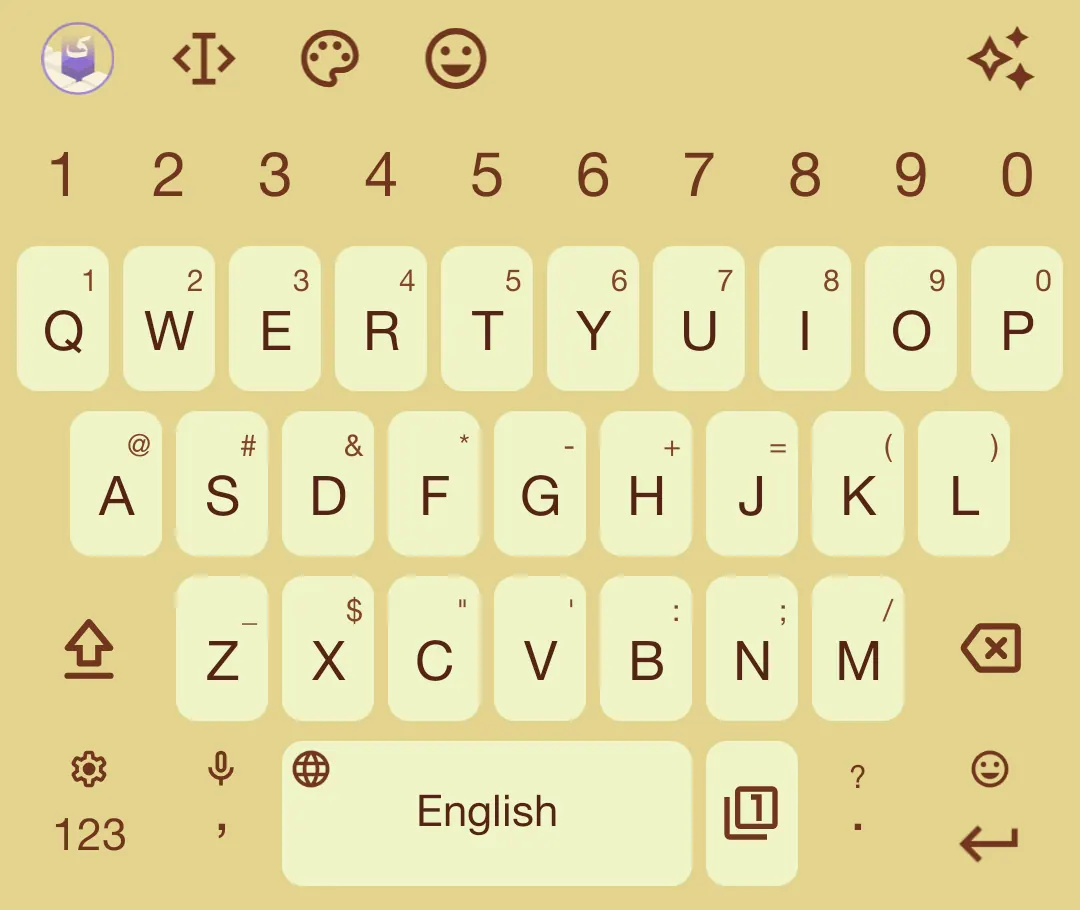
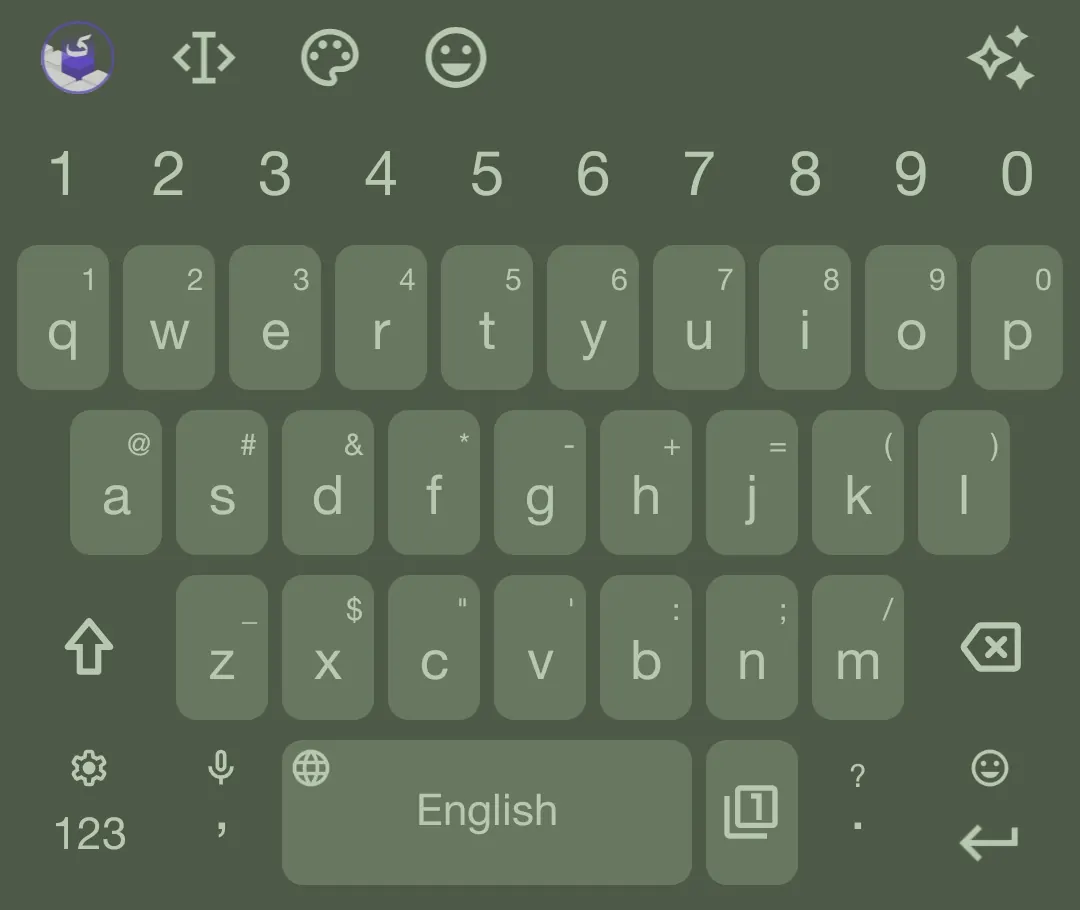
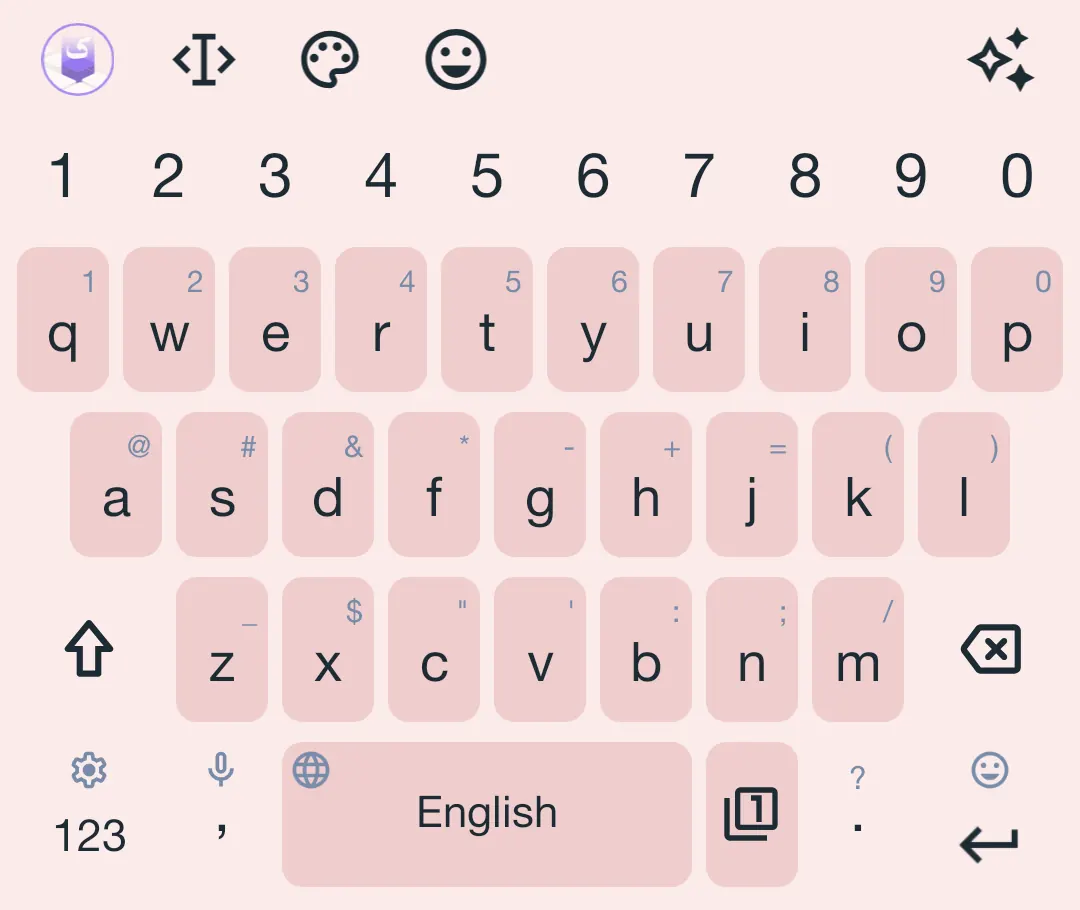
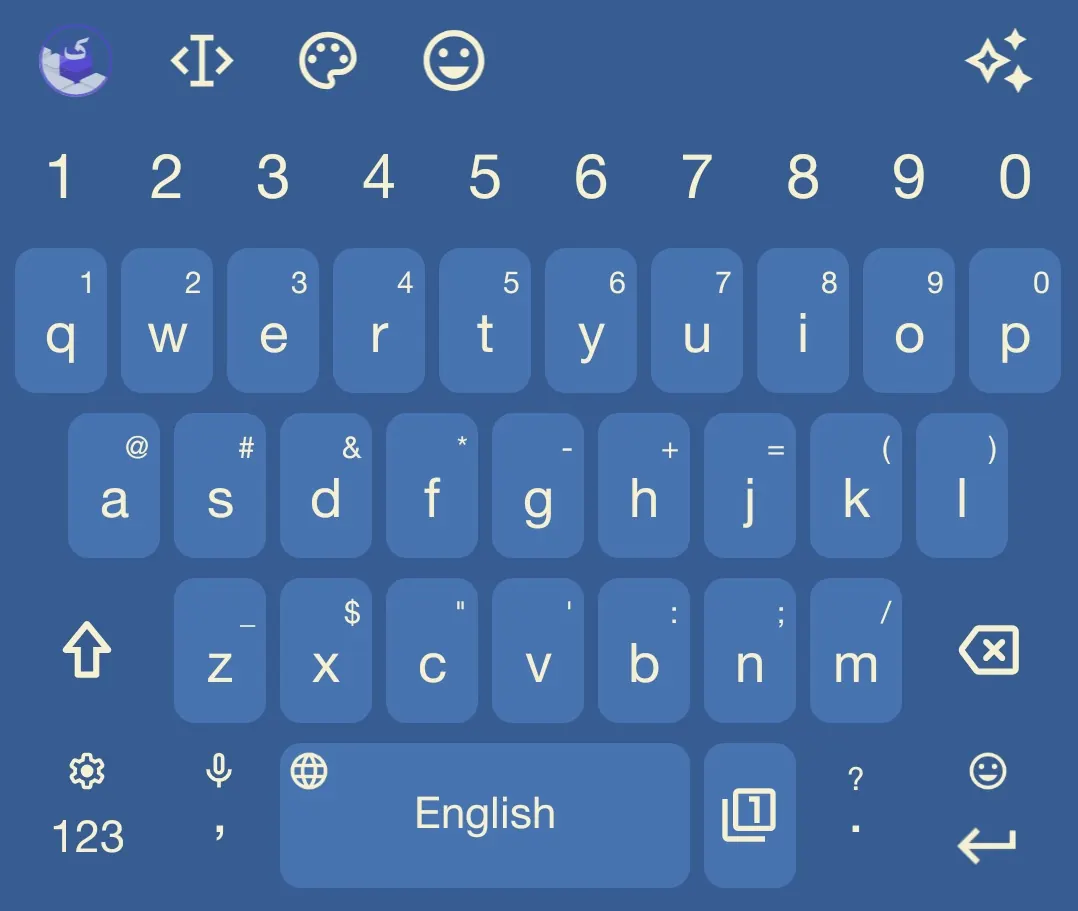
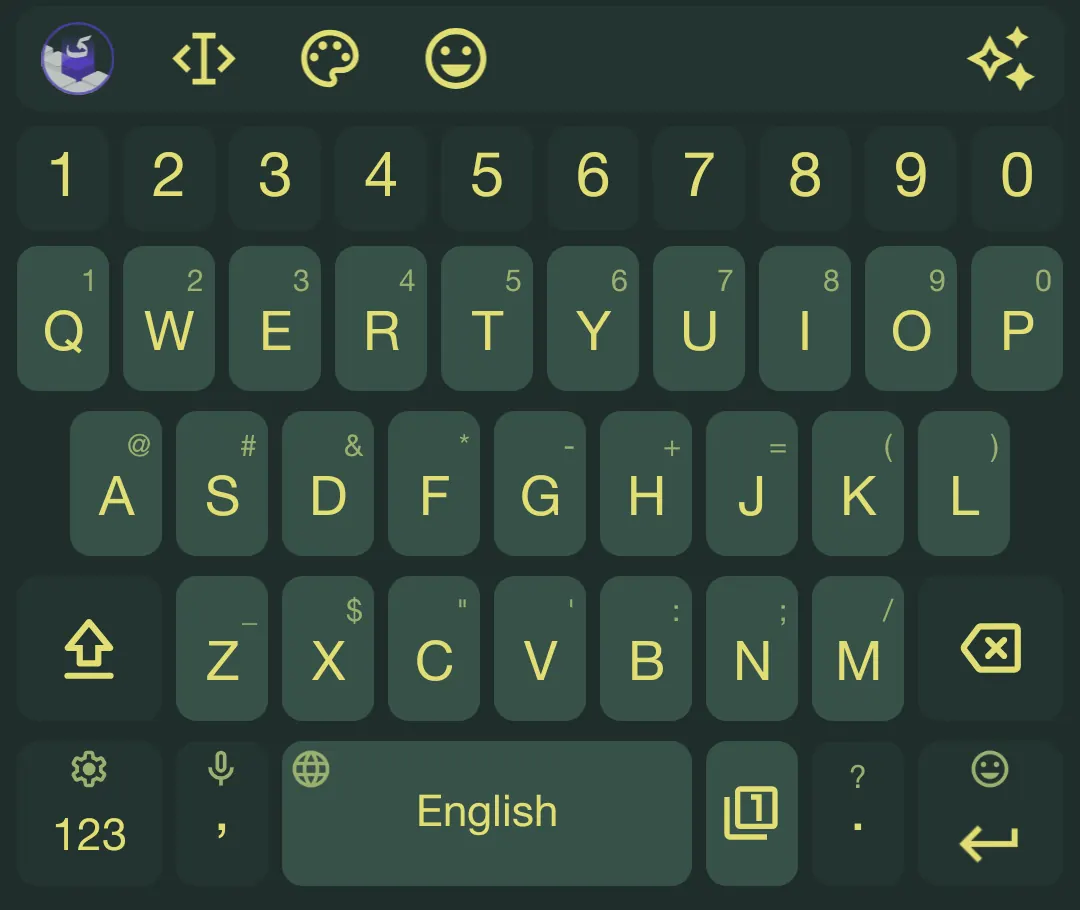
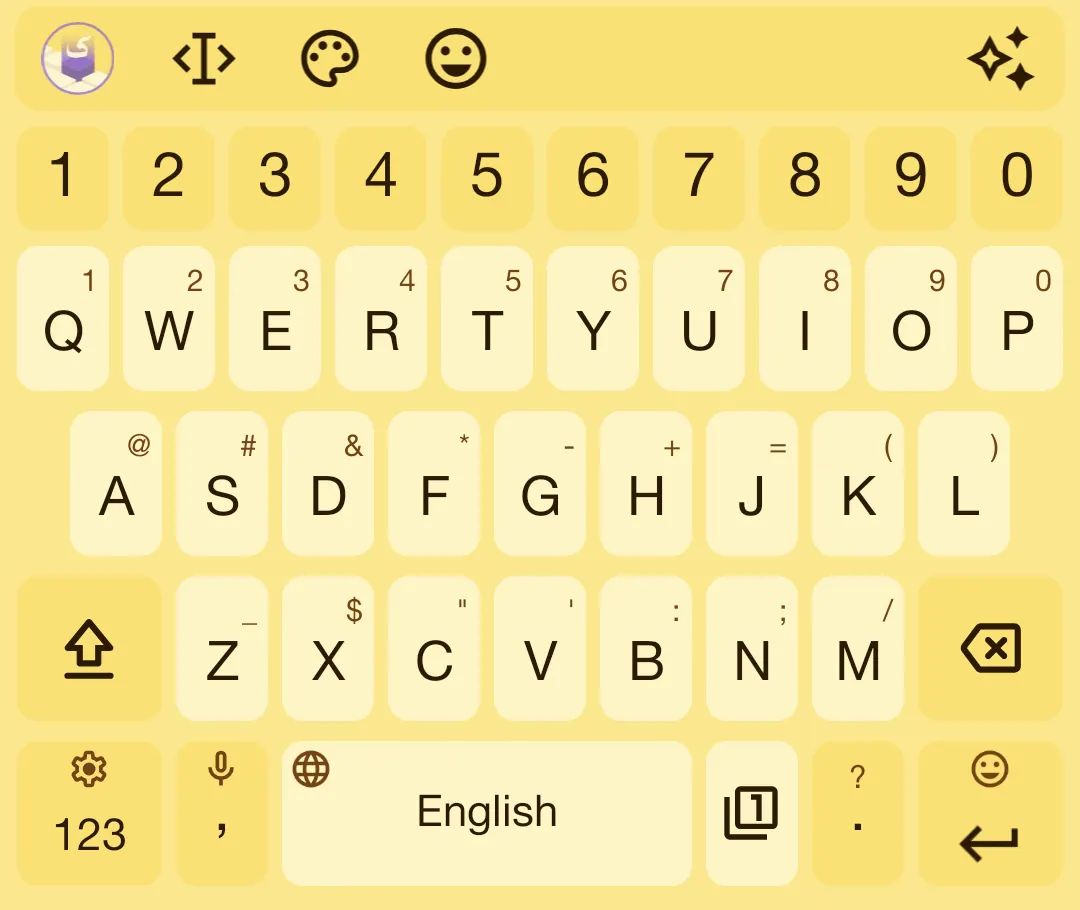
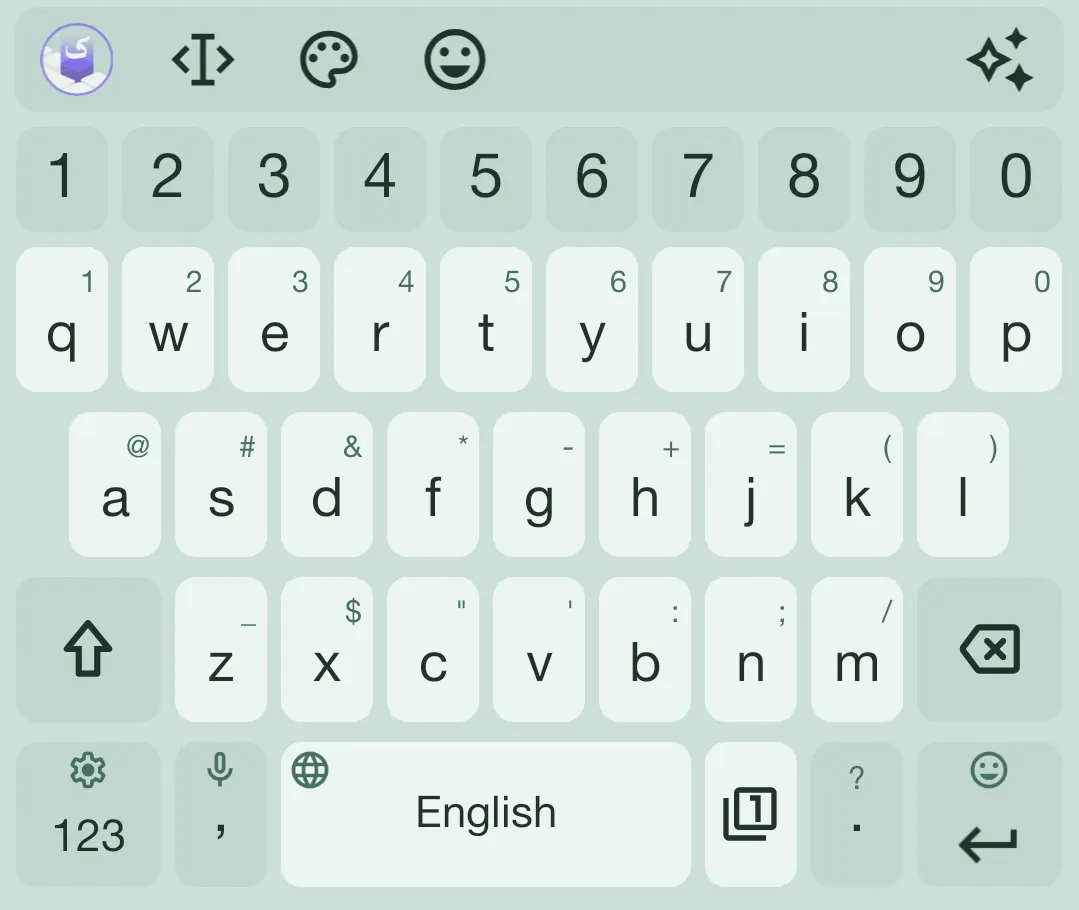
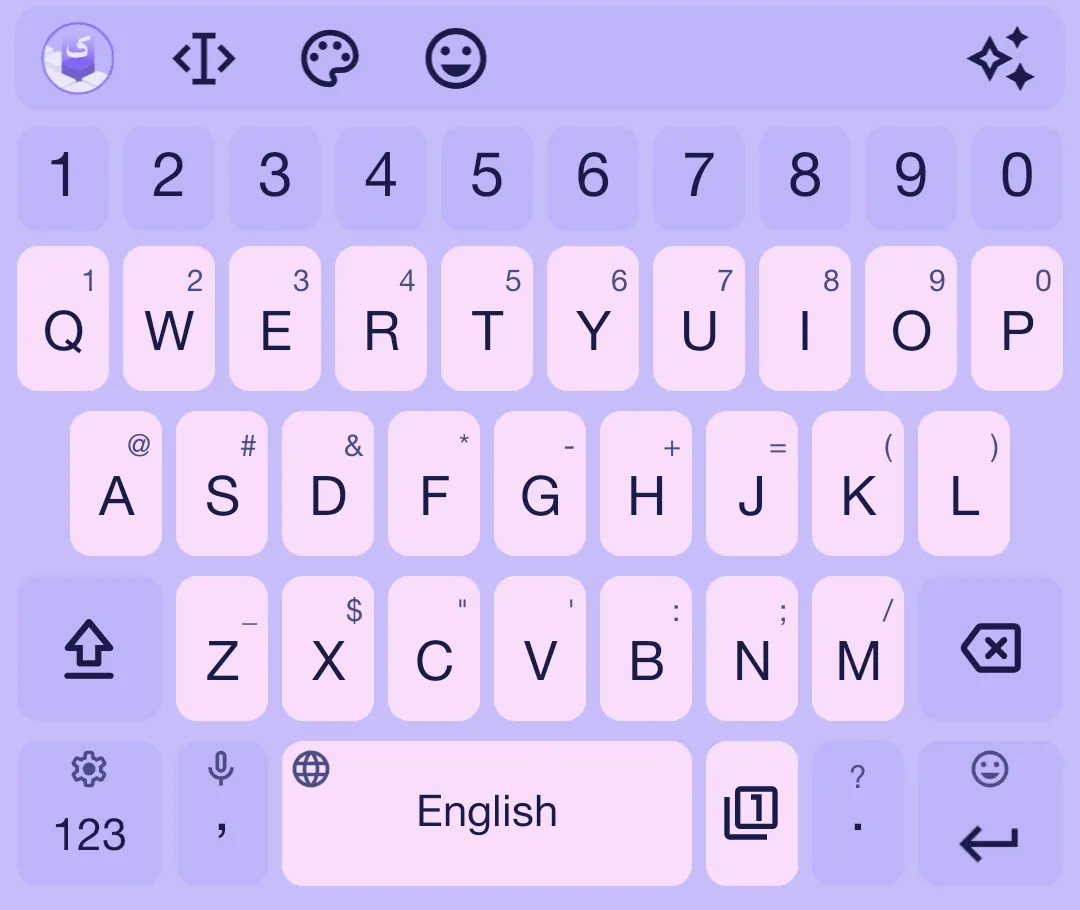
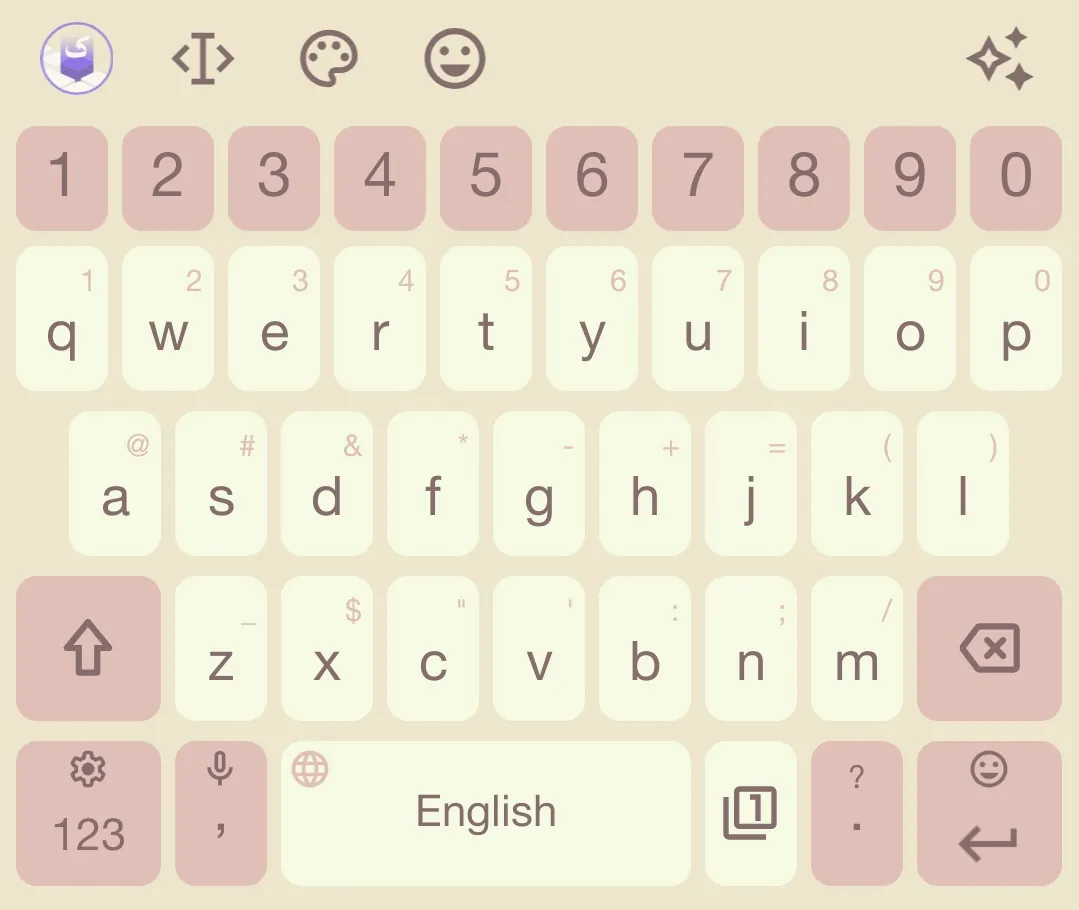
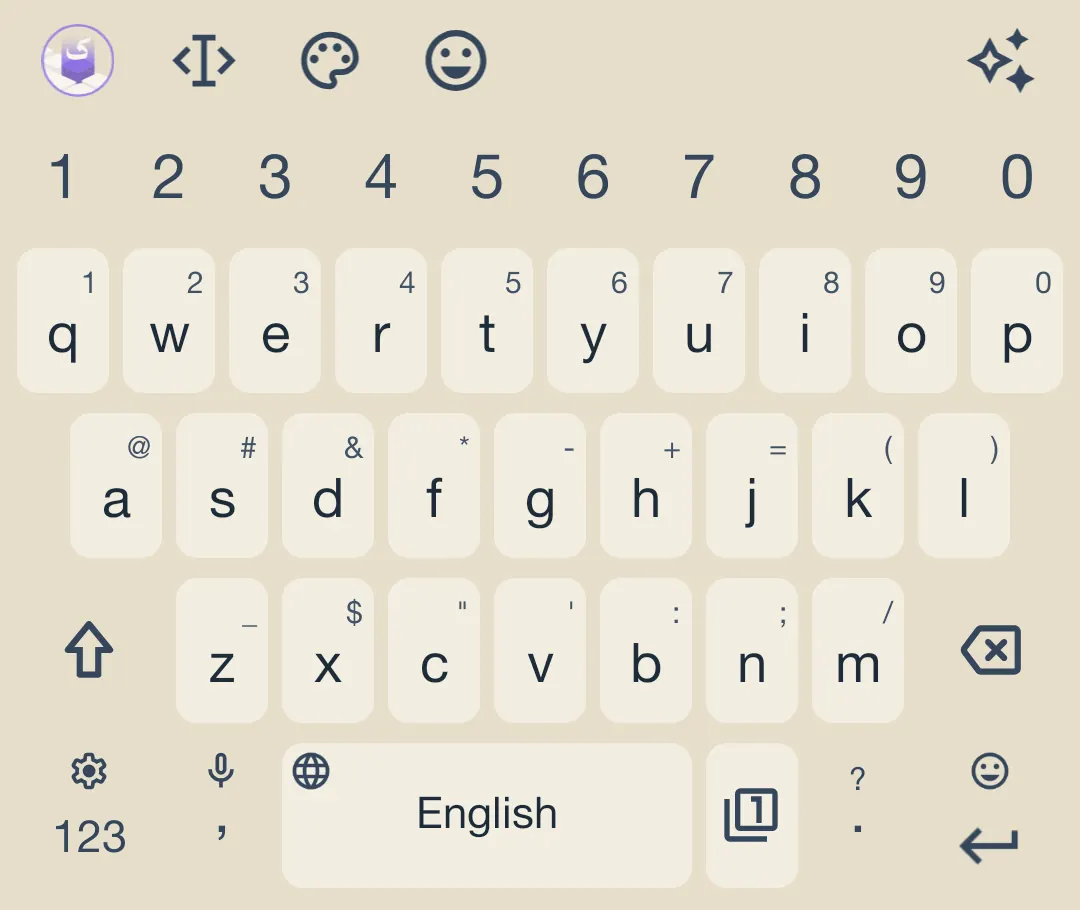
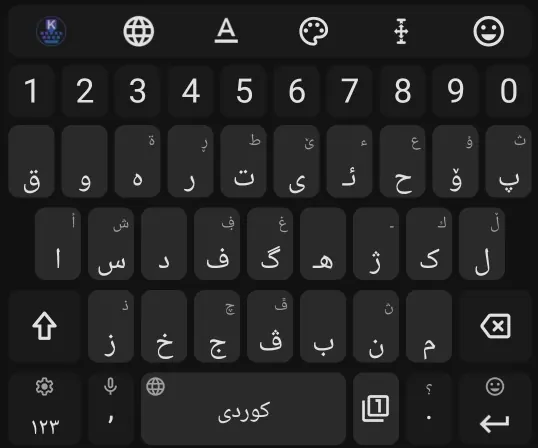
Click a theme to see it full size
06Languages
Sorani, Kurmanji and Rojhelat Sorani each have their own word list and layouts. Keep the ones you use and switch between them with the 🌐 key or a swipe on space.
| Language | Layouts |
|---|---|
| Kurdish (Sorani) | Standard · Windows · Computer · Classic · iPhone · Latin to Kurdish · Smart Latin to Kurdish |
| Kurdish (Kurmanji) | Kurmancî · Kurmancî Q (PC) · Kurmancî F · Kurmancî → بادینی |
| Kurdish (Rojhelat) | Rojhelat · Standard · Computer |
| English | QWERTY · QWERTZ · AZERTY |
| Arabic | Arabic |
| Persian | Standard · Persian |
| Turkish | QWERTY · Turkish Q · Turkish F · Turkish F (PC) |
| French | QWERTY · QWERTZ · AZERTY · BÉPO |
| German | QWERTZ |
| Italian | Italian QWERTY · QWERTY |
| Swedish | Swedish QWERTY |
| Russian | Russian |
| Latin | QWERTY |
117
The AI translator covers 117 languages, Persian and Turkish included.
8
Sorani, Kurmanji, Badini, Southern (Kalhuri), Feyli, Laki, Hawrami and Zazaki.
07Reviews
A few reviews from KurdKey users on Google Play and the App Store, in their own words.
I have tried view different keyboards but no one of them was better than this one I recommend it. Very useful and easy to remember where is the letters.
One of the best keyboards I used was Kurdkey, and I hope they will always continue to develop the keyboard and make more beautiful themes available to them,Be successful.
Since 2014, I have been using this keyboard. This is the best keyboard I have ever had.
Best keyboard and so easy to use. thanks for that 💫🖤
The best kurdish keyboard♥️♥️
it's indeed the best, I am very happy with it.
08Privacy
KurdKey does not log or store what you type. Text leaves your phone only when you use a feature that needs a server, and only the text you give to it.
On iPhone, KurdKey asks for Full Access. It needs it for key sounds, vibration, the clipboard, stickers and the AI tools; without it you can still type. Read the privacy policy
09Free and Premium
Everything you need to type Kurdish is free. Premium is for people who use the AI tools every day.
| Free | Premium | |
|---|---|---|
| Kurdish keyboard and all layouts | Included | Included |
| Predictions, swipe typing, Sorani grammar check | Included | Included |
| AI tools | Monthly allowance | Unlimited |
| Themes | Free themes | All themes |
| Sticker packs | Free packs | All packs |
| Ads | Yes | No ads |
Premium is a subscription through the App Store or Google Play: weekly, monthly, six months or yearly. In Iraq you can also pay once with FIB or FastPay; that plan does not renew by itself.
10Setup
The app walks you through these steps the first time you open it.
11Questions
Yes. The keyboard, every layout, predictions, swipe typing and the Sorani grammar check are free. The AI tools come with a monthly free allowance, and Premium removes the limit and the ads.
Install KurdKey, then go to Settings › General › Keyboard › Keyboards › Add New Keyboard and choose KurdKey. In any app, hold the 🌐 key and pick KurdKey. The app shows you each step the first time.
Yes. Pick the Smart Latin to Kurdish layout (لاتینی بۆ کوردی زیرەک) and type the way you do in chat: slaw becomes سڵاو when you press space, and other spellings appear in the suggestion bar.
Kurmanji has its own keyboard with Latin layouts (Kurmancî, Q and F). The Kurmancî → بادینی layout writes Kurmanji typed in Latin letters in Badini's Arabic script.
If you learned to type on a computer, pick Windows or Computer. If you are used to Apple's Kurdish keyboard, pick iPhone. Standard is the default and shows each key's second letter in its corner.
iOS calls it Full Access. KurdKey needs it for key sounds, vibration, the clipboard, stickers and the AI tools. What you type is not stored or sent; text leaves the phone only when you use an AI tool, voice to text or backup.
Typing does: layouts, predictions, auto-correction, swipe typing and the Sorani grammar check all work offline once the app has downloaded its language files. The AI tools, voice to text, new themes and backup need a connection.
Yes. Sign in and make a backup in the app. On the new phone, sign in with the same account and restore it: your words, shortcuts, settings and themes come back.
KurdKey is free on iPhone and Android, and setup takes about a minute.